This manual explains the procedure for secure access to the user’s personal account. The login process is carried out using a registered phone number and a private password, protected by a one-time password (OTP) to ensure an additional layer of security. By following the steps outlined below, you can access the system features and the personal data management section.
Step 1: Sign in
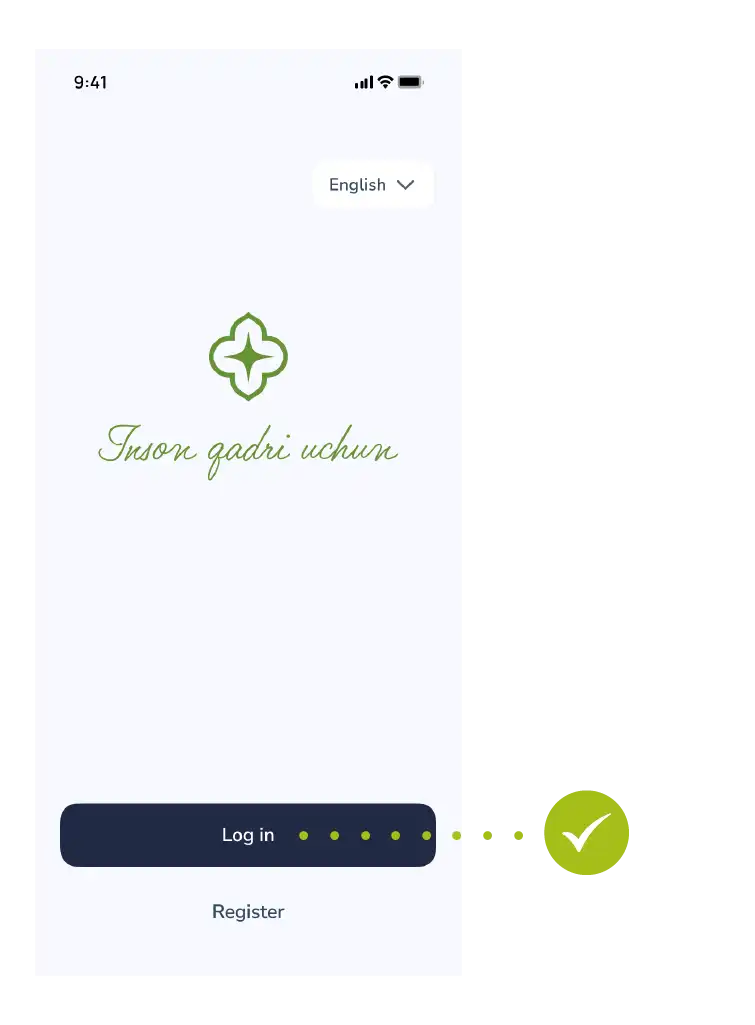
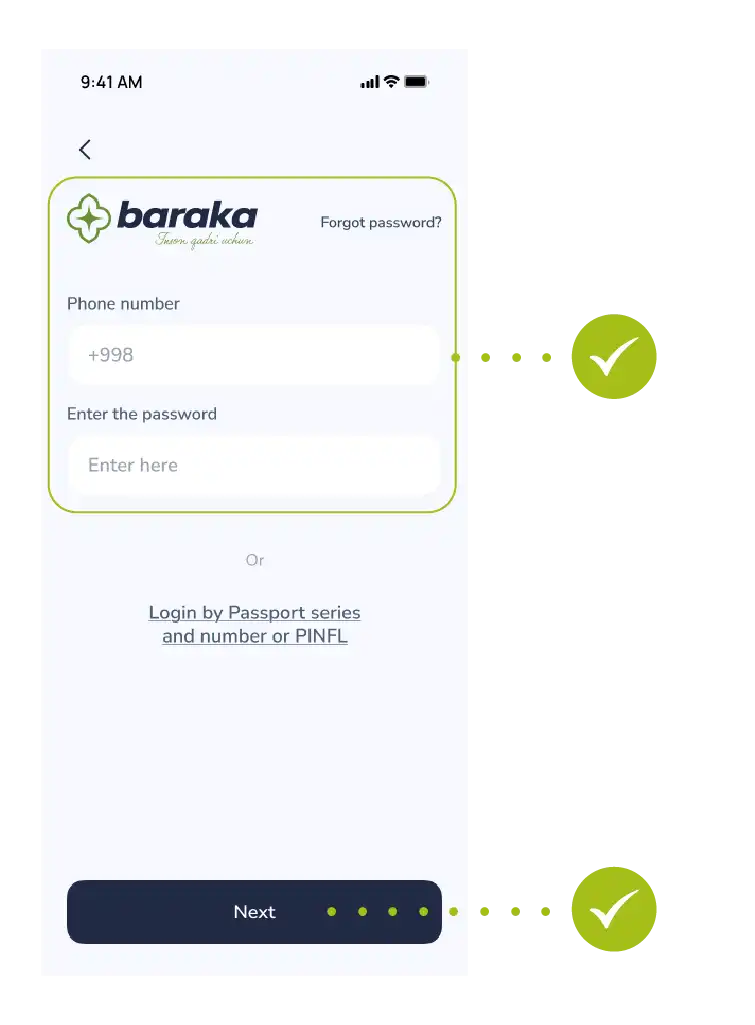
- Tap “Login” in the main menu.
Step 2: Enter your phone number
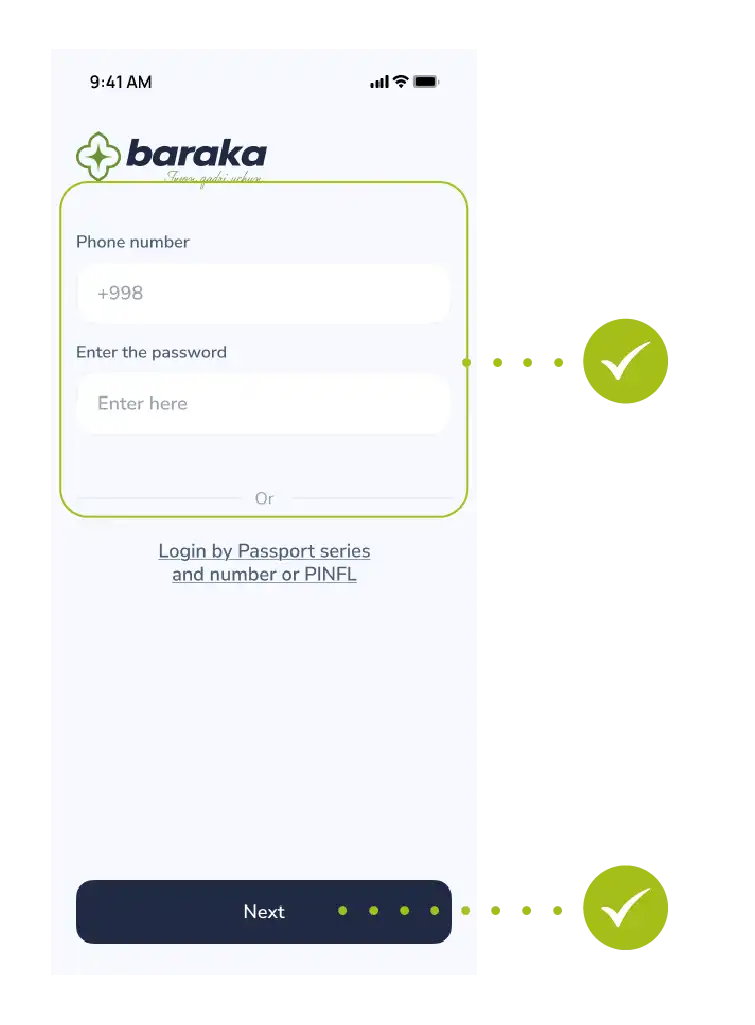
- Enter your registered phone number.
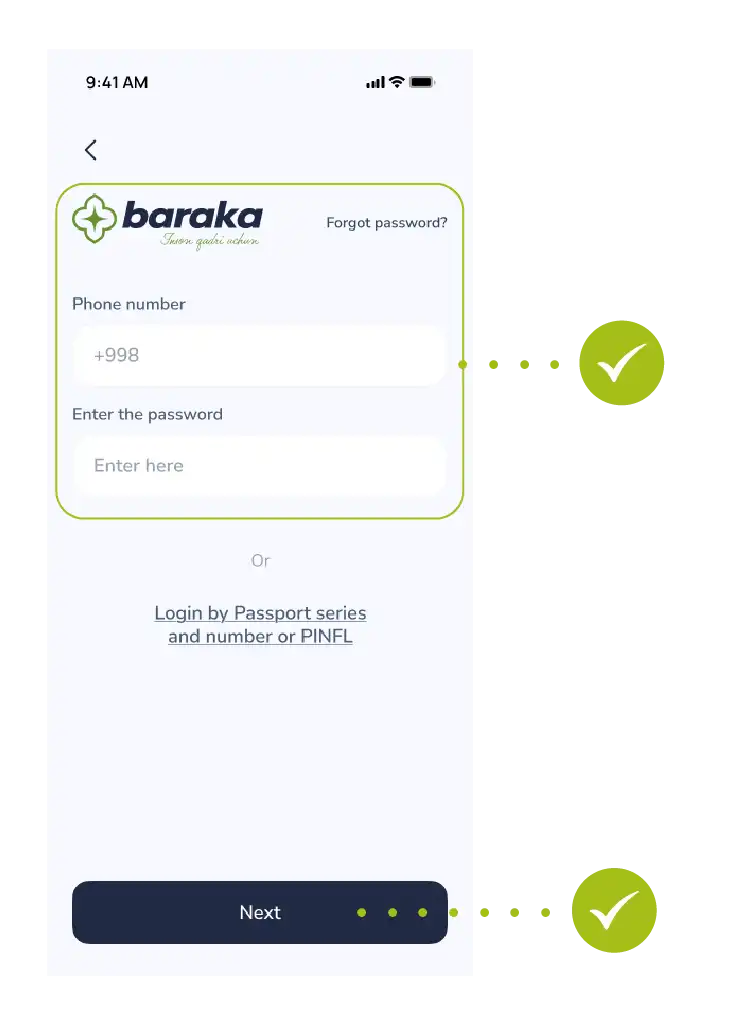
- Enter your password.
- Tap the “Next” button to proceed.
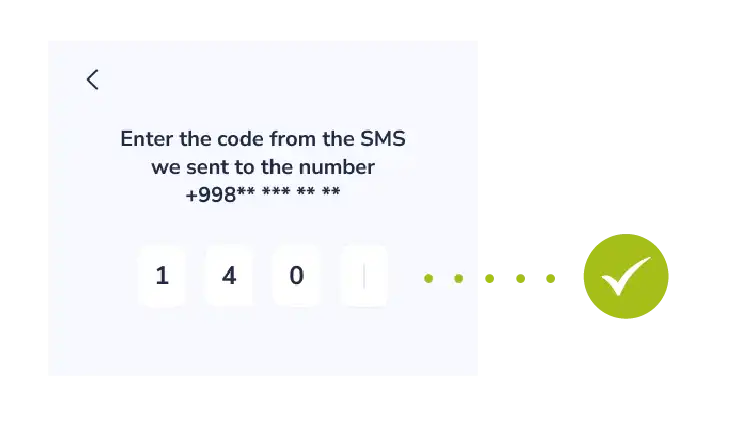
Step 3: Enter SMS code
- Confirm your login by entering the one-time OTP code sent to your phone.
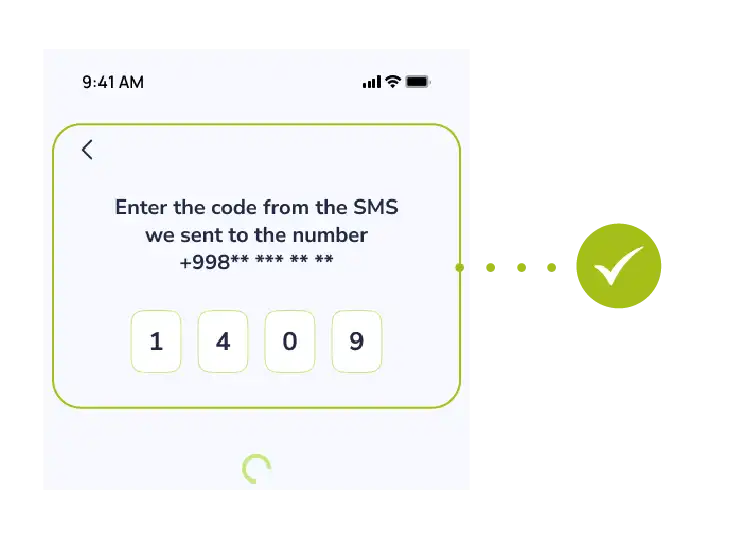
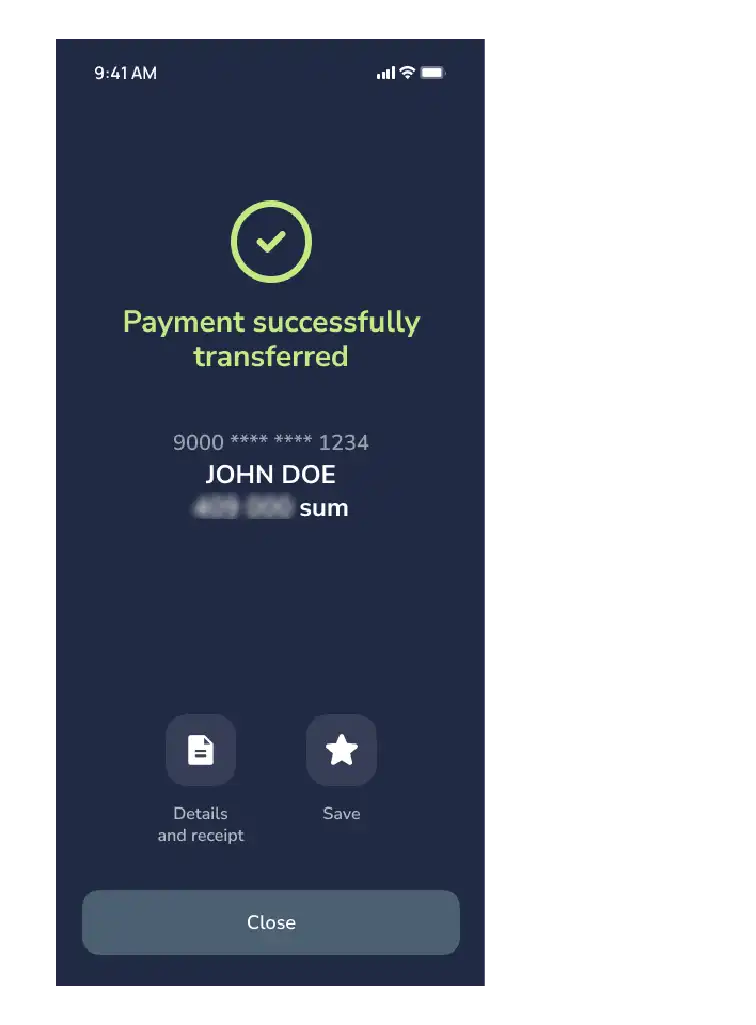
Success! You have successfully logged into the system and can now access your personal account.
This manual explains the procedure for resetting a user account password in the event that it is forgotten or lost. The process includes verifying the user’s personal data, completing identification, and setting a new password that meets security requirements. By following the sequence outlined below, you can restore access to the system in a short period of time.
Step 1: Starting the Process
First, go to the main page of the system.
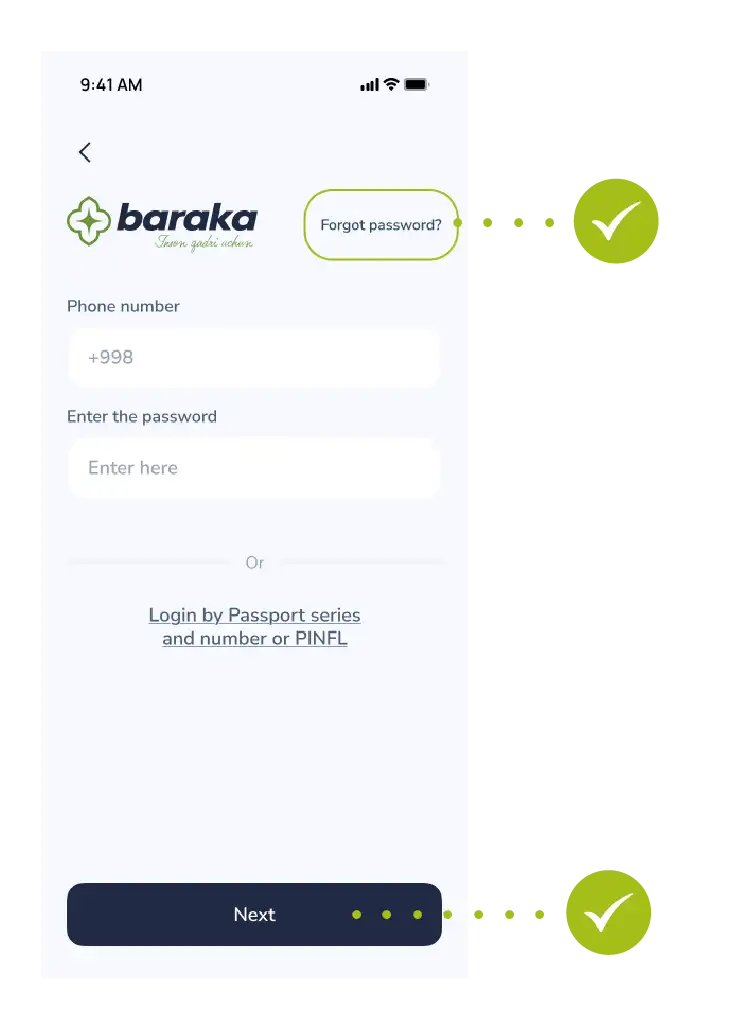
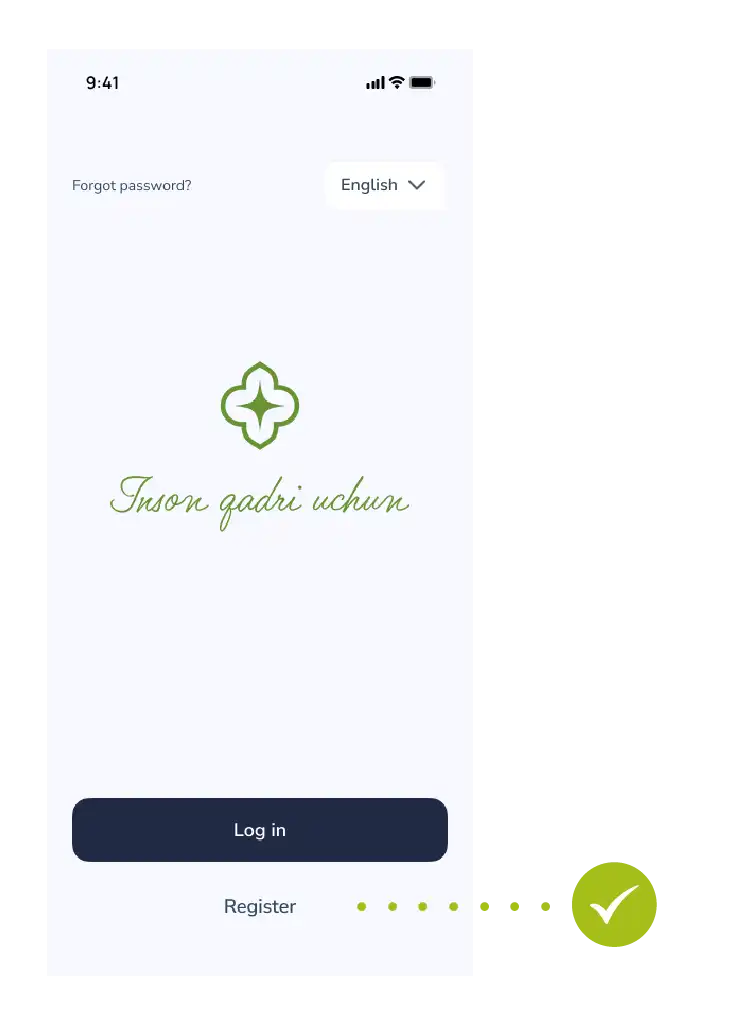
- Login: Tap the “Login” button on the main menu.
- Request: In the window that appears, usually below the login and password fields, you will see “Forgot password?”. Select it.
Step 2: Identity Verification
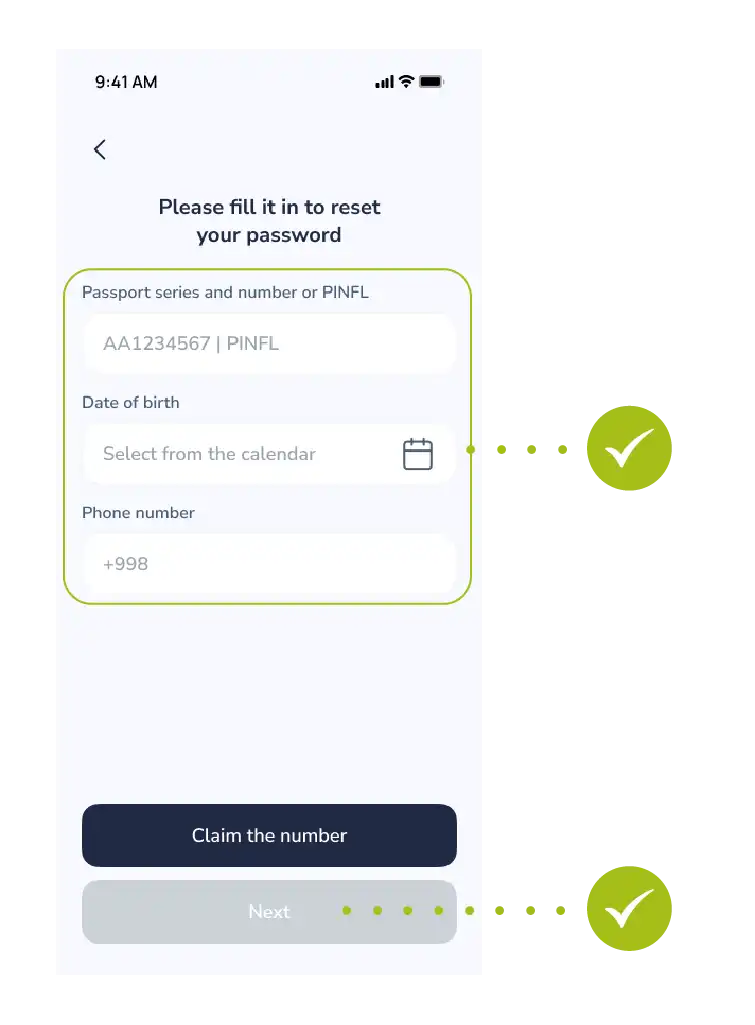
To let the system know it is really you, you must enter the information accurately:
- PINFL (JSHSHIR): Enter the 14-digit number at the bottom of your passport or your passport series and number.
- Date of Birth: Select your day, month, and year of birth from the calendar.
- Contact: Enter the phone number you used during registration.
- This is very important because the verification code will be sent to this exact number.
- Tap the “Next” button to continue.
Step 3: Security and Verification
This step is required to protect your account from outsiders.
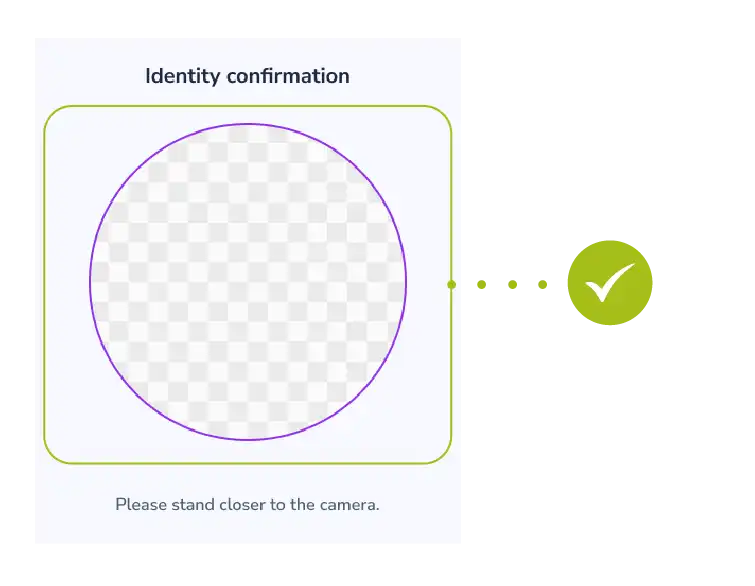
- Identification: Verify your identity according to the system instructions (this could be taking a photo or another method).
- OTP code: Enter the secret code (one-time password) received via SMS into the designated field.
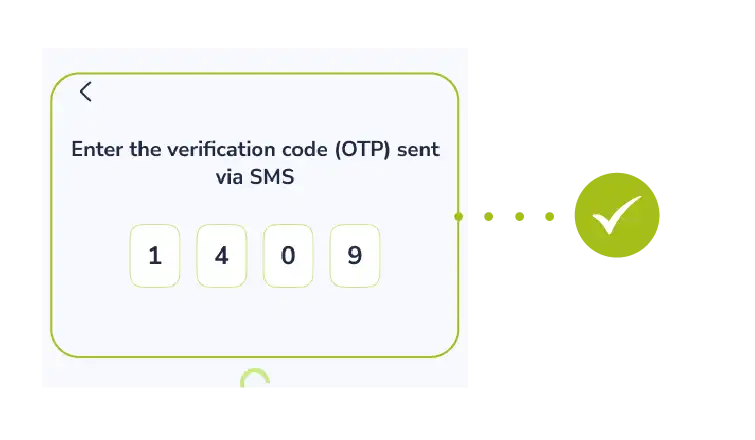
Note: Never share the verification code with strangers, even with those who introduce themselves as bank or government officials!
Step 4: Creating a New Password
Now we come to the most important part. Forget your old password, let’s create a new one:
- Think of a new password: It is recommended that the password consists of at least 8 characters, including uppercase and lowercase letters, and numbers.
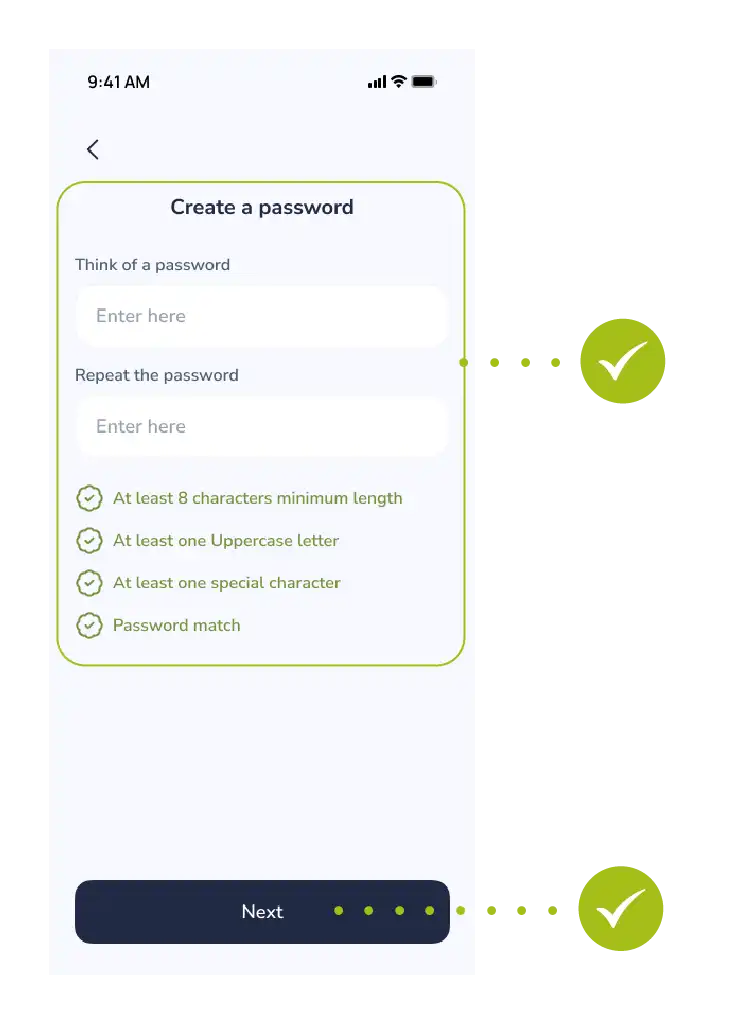
- Input and Confirmation: Type the new password in the first row, then re-enter the exact same password in the second row to ensure there are no mistakes.
- Finalizing: Tap the “Next” button.
- Do you see the message “Your password has been successfully updated” on your screen? Then everything is fine!
- Now you can easily log into the system using your new password.
Do not forget to save it in a safe place or memorize it!
This manual outlines the procedure for creating a new user account and obtaining access to services within the “Baraka” mobile application. The registration process covers the entry of personal data, verification of the contact number, and completion of the identification process in accordance with security requirements. Following the steps provided in this guide ensures the security of user data and enables full access to the system’s features integrated with public services.
Step-by-Step Guide to Registering on the Baraka App.Follow these simple steps to fully utilize the features of the Baraka app.
Each step is designed to ensure your security and data accuracy.
Step 1. Downloading and Starting the App
- Depending on your smartphone type, search for and download the “Baraka” app from Google Play or the App Store.
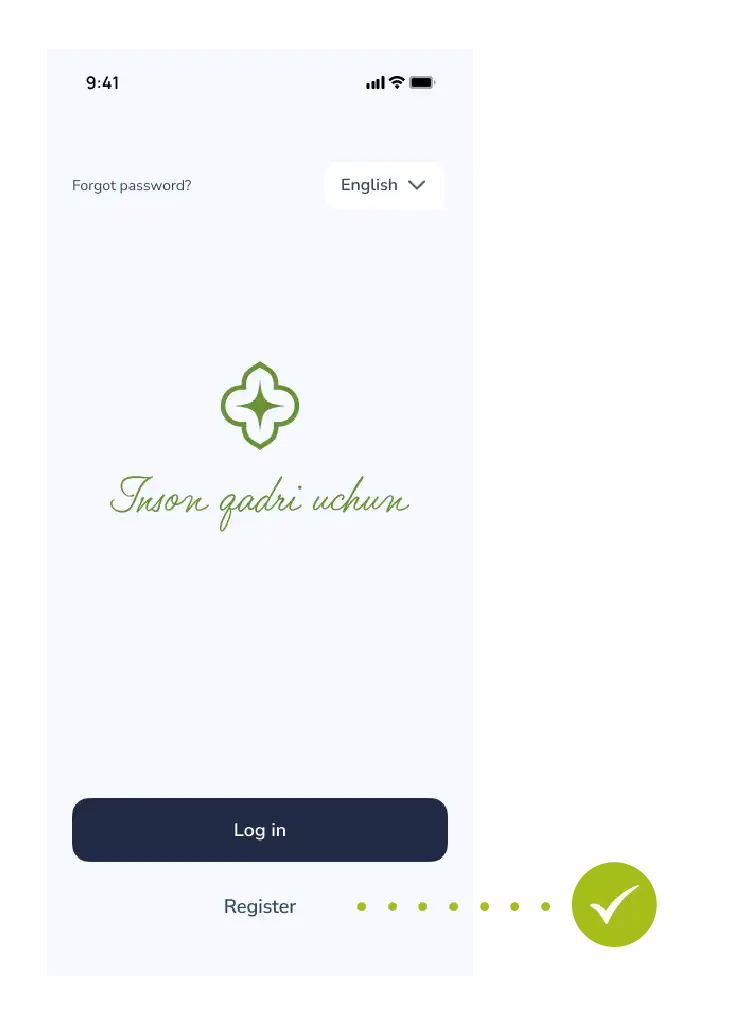
- Launch the app and tap the “Register” button on the main screen.
Step 2. Entering Personal Information
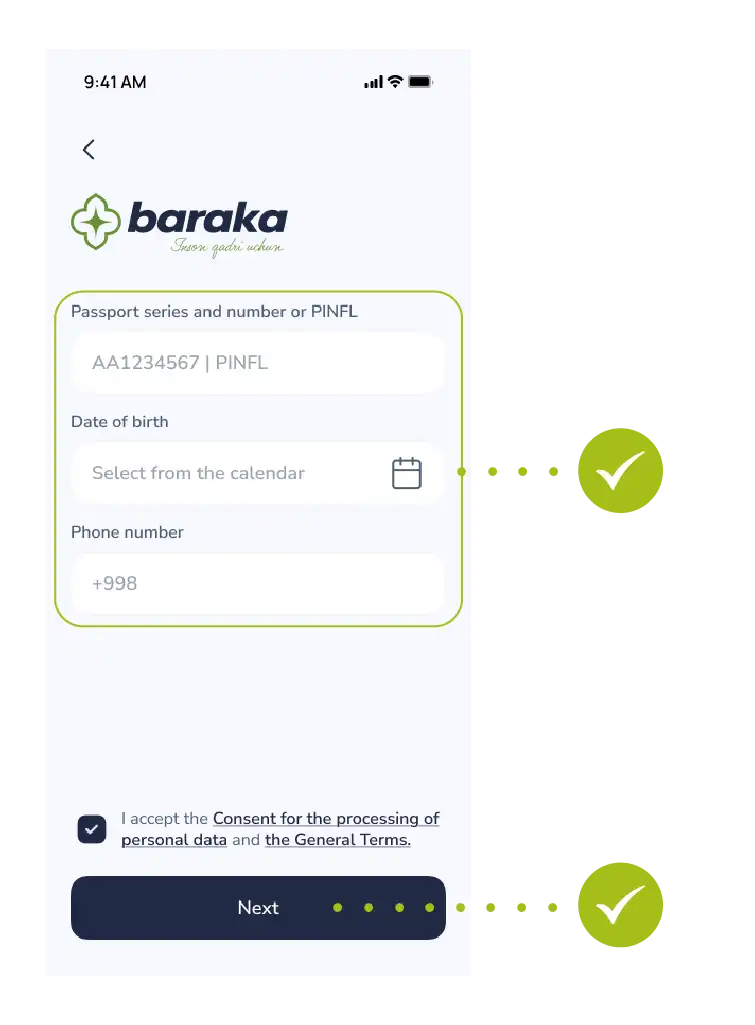
This section requires accurate data for integration with government services:
- PINFL (JSHSHIR). Enter the 14-digit number located at the bottom of your passport.
- Passport Details. Enter your passport series and number without errors.
- Date of Birth. Select your day, month, and year from the calendar.
- Phone Number. Enter your currently active contact number.
- Public Offer. Carefully read the terms of use and the public offer, then check the confirmation box.
- Tap the “Next” button to continue.
Step 3. Phone Number Verification (OTP)
- A 4-digit secret code will be sent via SMS to the phone number you entered.
- Enter this code into the designated field in the app. This confirms that your number is active.
Step 4. Identification and Security
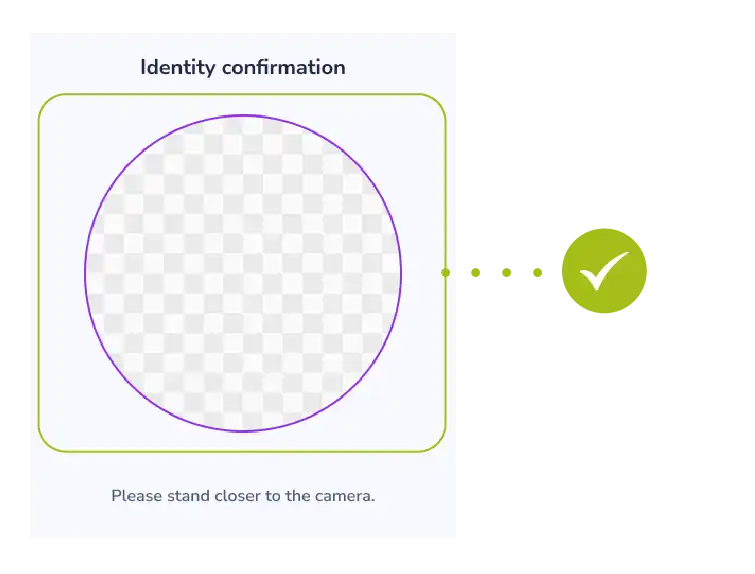
- Identity Verification. In accordance with security requirements, complete Face-ID or another type of identification process.
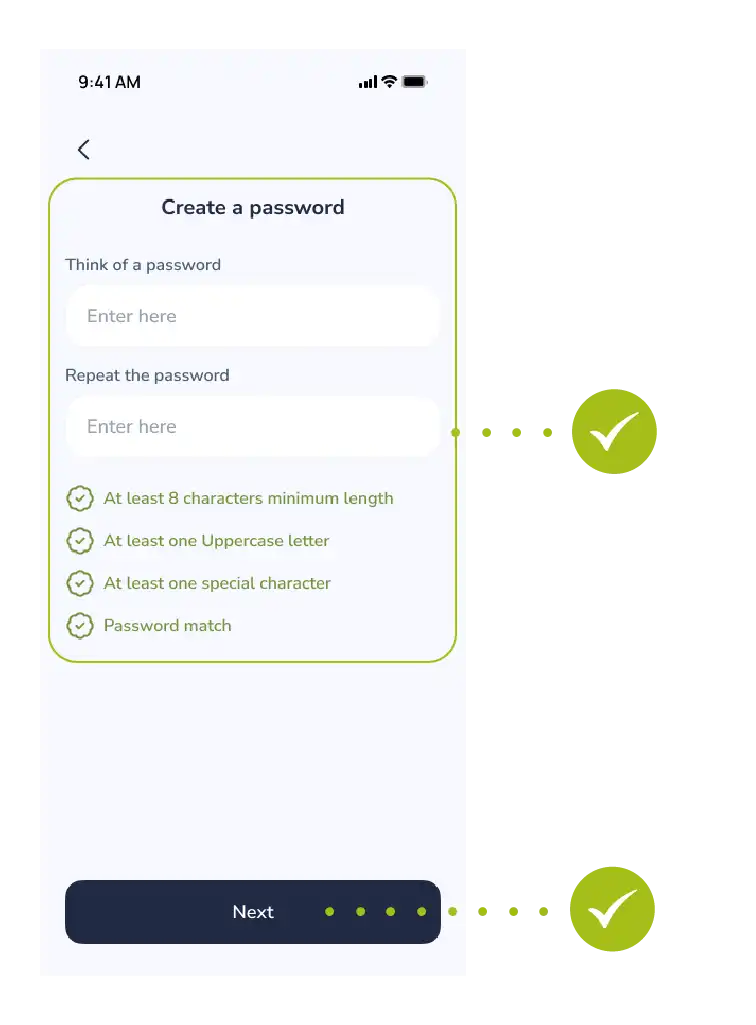
- Create a Password. Think of a complex yet memorable new password to log into the app. Follow the password requirements and tap the “Save” button.
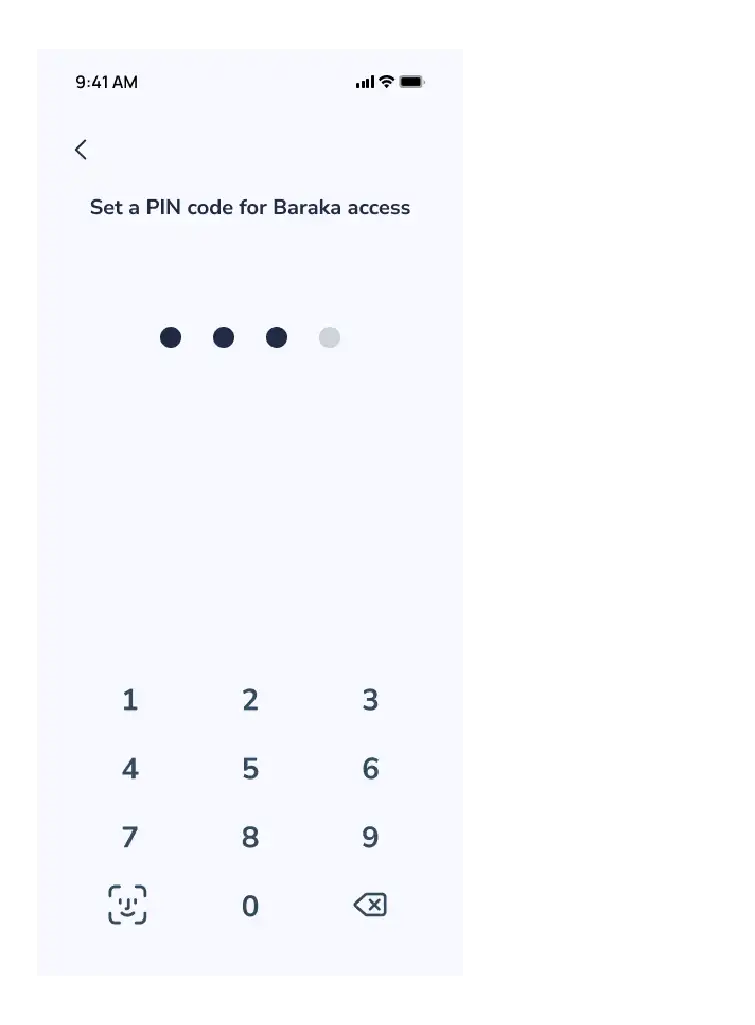
- Set a PIN Code. Create a special 4 or 6-digit PIN code for quick access to the app each time, and confirm it by re-entering.
Tabriklaymiz! Ro‘yxatdan o‘tish jarayoni muvaffaqiyatli yakunlandi.
Step 5. Logging into the App and Personal Account
Once registered, follow these steps to log into the system:
- Tap the “Login” button on the main menu.
- Enter your PINFL number and your newly created password.
- Enter the one-time OTP code received via SMS to access your personal account.
- When you log into your personal account for the first time, the following message may appear on the screen:
“After your registration, your information will be verified by the authorized authorities.”
“Determining the existence of an allowance, its type, and category may take up to 3 hours.”
“Please wait for the verification process to complete.”
- Note: While the verification is ongoing, you can explore all other services, menus, and news within the app.
Once the verification is complete, all features (allowance details, etc.) will be fully activated.
 Second method