
Login
This manual explains the procedure for secure access to the user’s personal account. The login process is carried out using a registered phone number and a private password, protected by a one-time password (OTP) to ensure an additional layer of security. By following the steps outlined below, you can access the system features and the personal data management section.
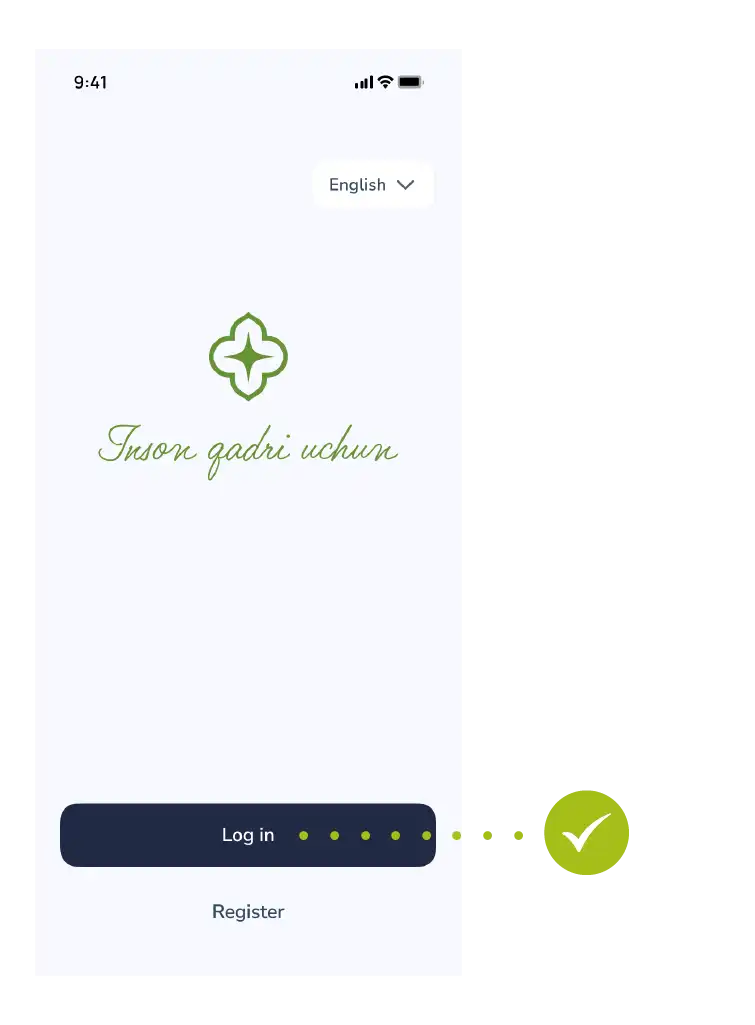
Step 1: Sign in
- Tap “Login” in the main menu.
Step 2: Enter your phone number
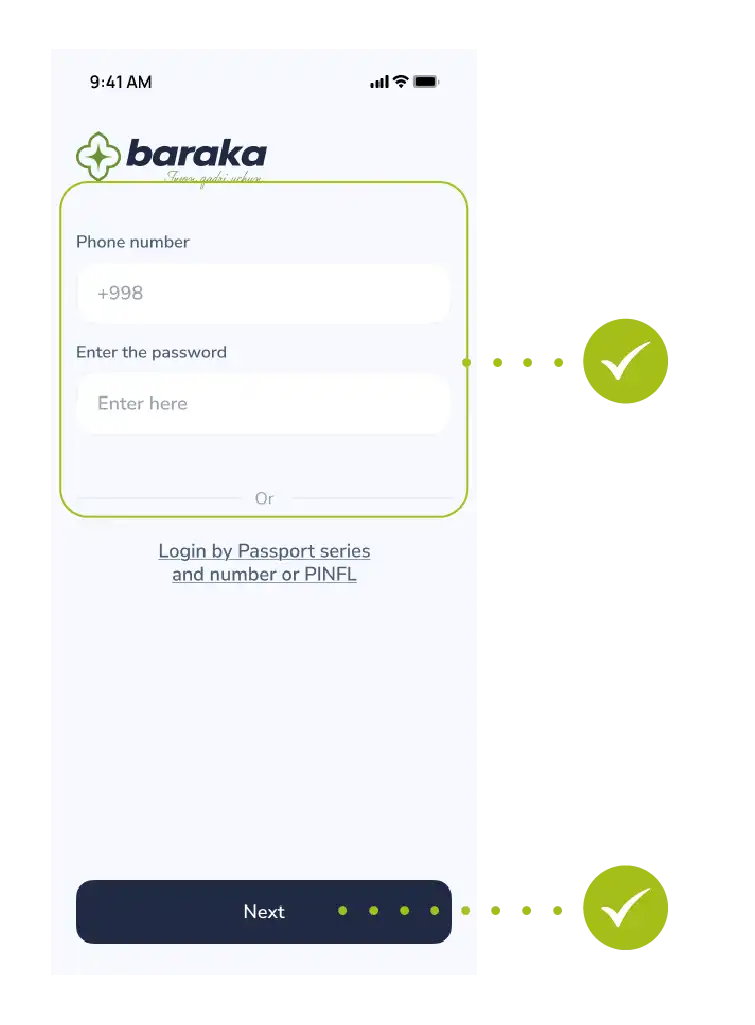
- Enter your registered phone number.
- Enter your password.
- Tap the “Next” button to proceed.
Step 3: Enter SMS code
- Confirm your login by entering the one-time OTP code sent to your phone.
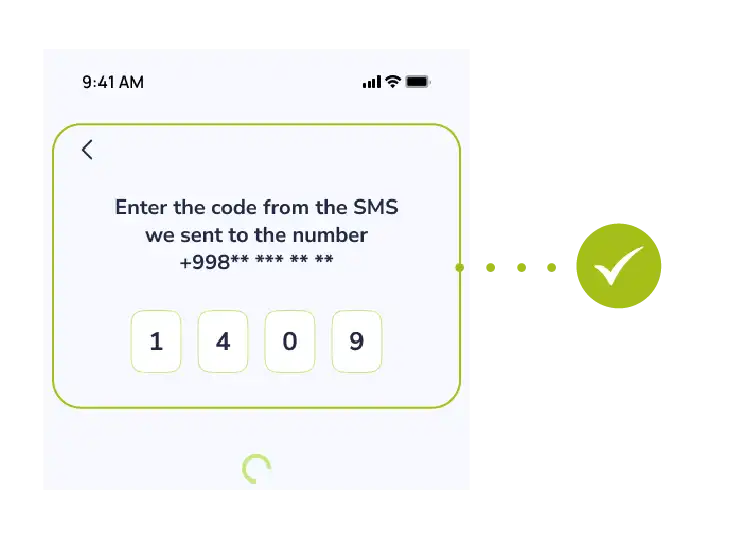
Success! You have successfully logged into the system and can now access your personal account.

