
 Uzbek
 Русский
 Uzbek (Cyrillic)
 Karakalpak
 English
Change your PIN code
This manual explains the procedure for remotely updating the security PIN of a "Baraka" card. Regularly changing or updating the PIN code is a fundamental requirement for ensuring the security of funds on the bank card. The process is protected by two-factor authentication (OTP), allowing the user to set a new code via the mobile app within minutes without visiting a bank branch.
Follow these steps to ensure card security and set a new PIN code:
Step by step
- 1
Selecting the Card
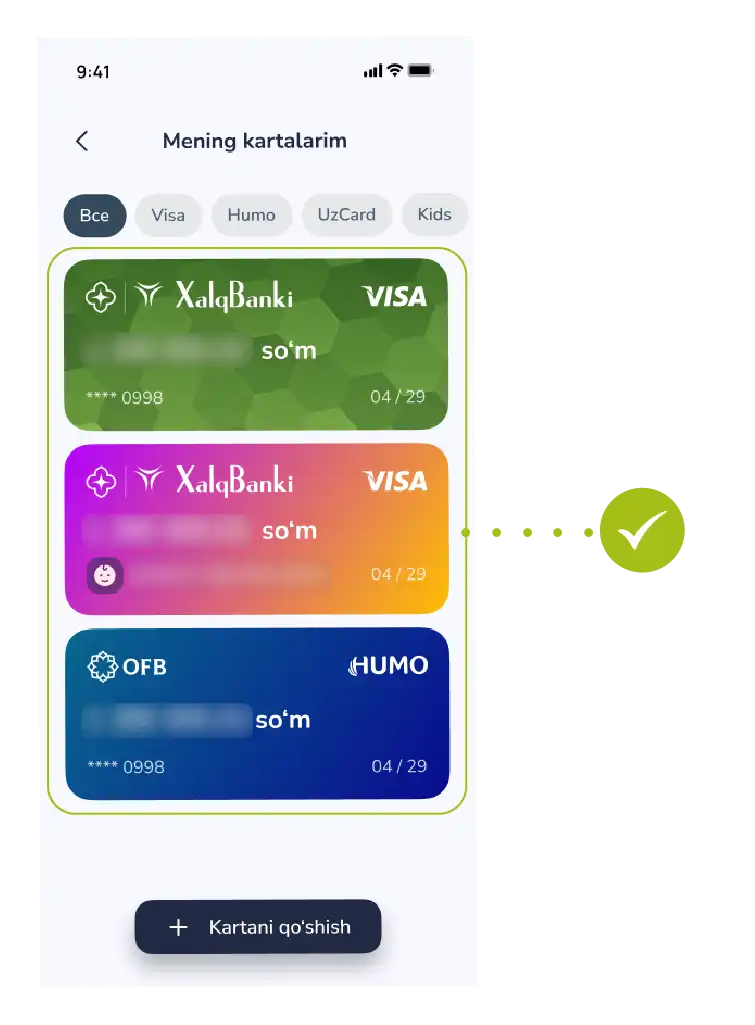
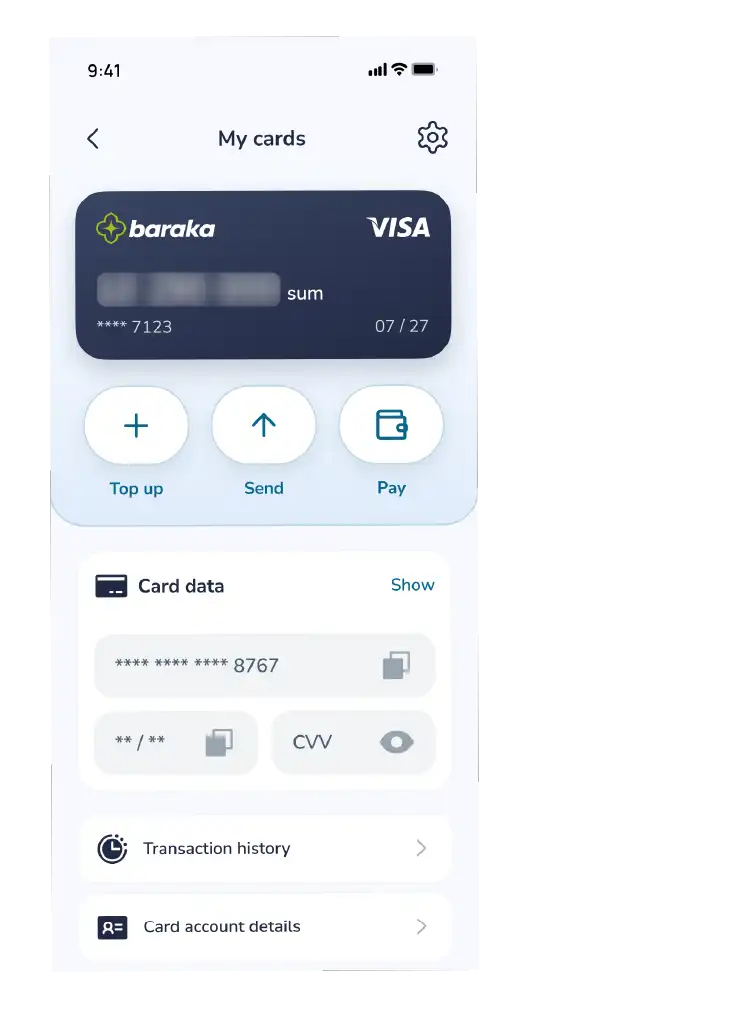
Go to the "My Cards" section from the bottom menu of the app and select your Baraka card whose PIN code you want to change from the list.
- 2
Activating the Service
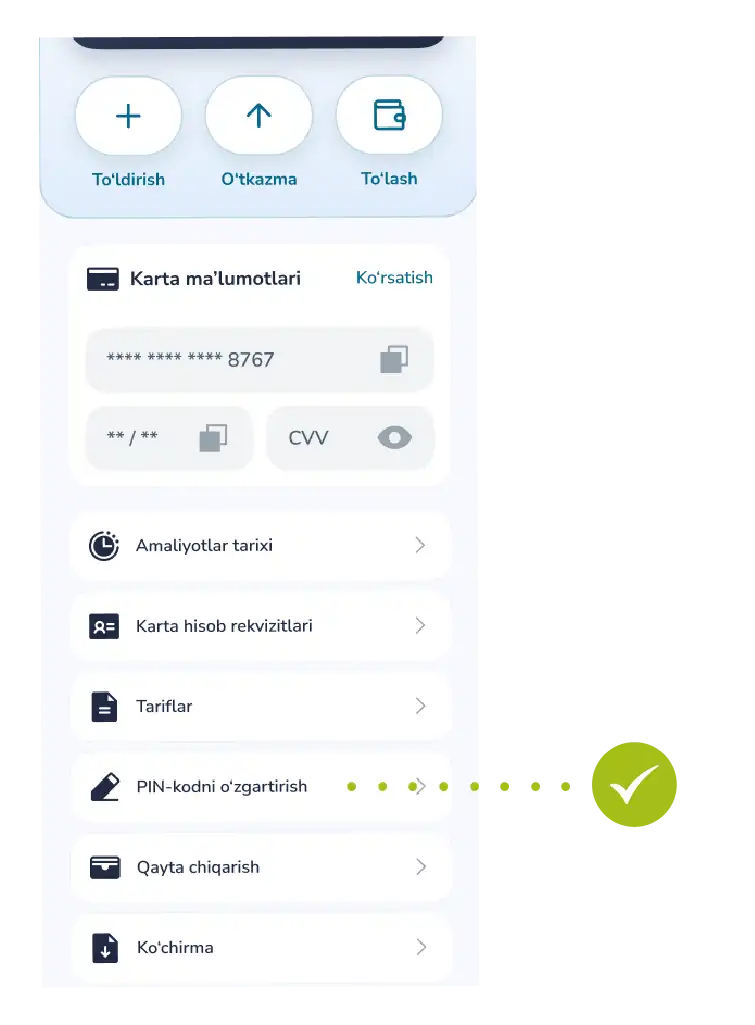
In the card details window, tap the “Change PIN code” function.
- 3
Verifying Security
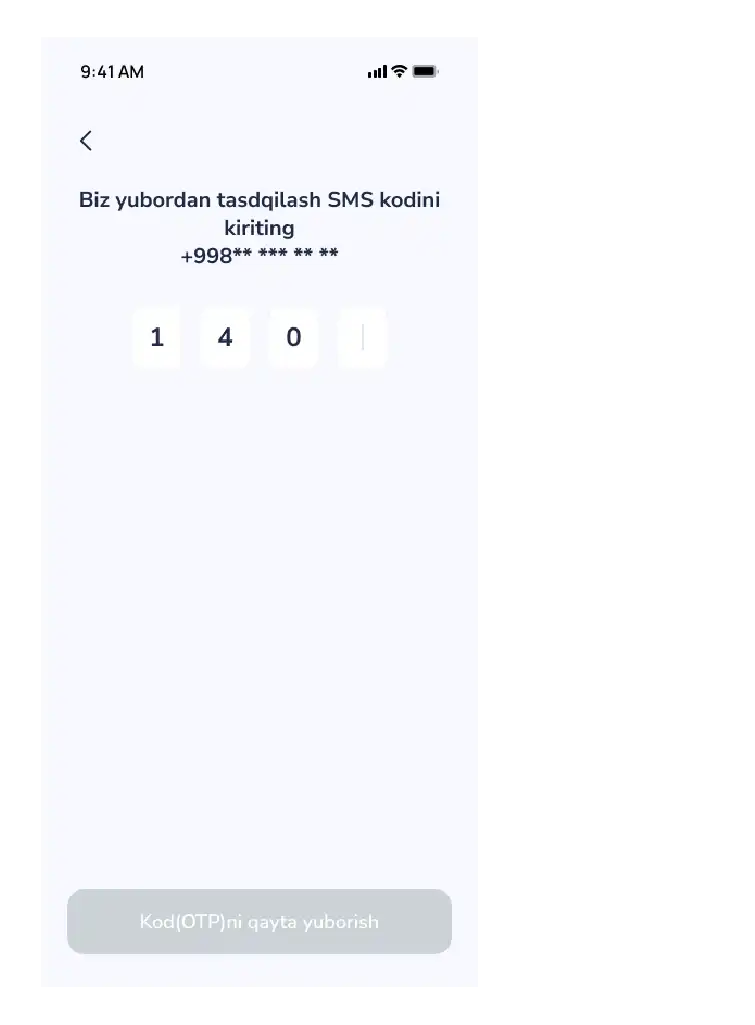
To confirm your identity, enter the OTP code (one-time secret code) sent via SMS to your registered phone number into the designated field and confirm it.
- 4
Creating a New Code
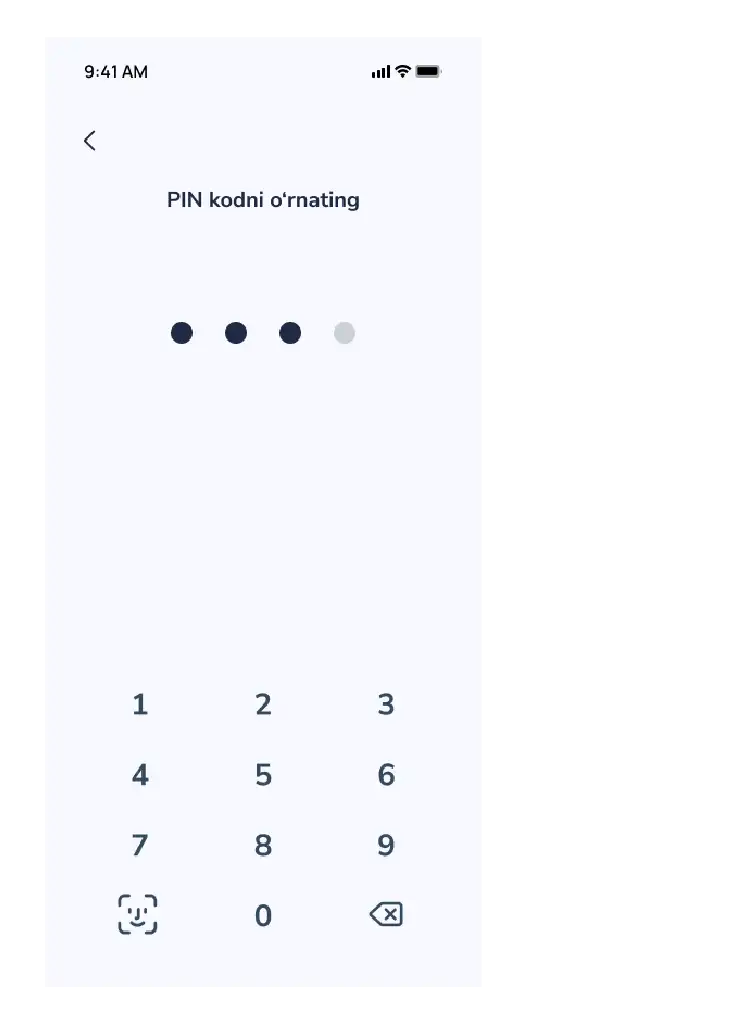
Enter a new 4-digit PIN code that is convenient for you but difficult for strangers to guess.
Tip It is recommended to avoid using simple numbers such as 1111 or 1234.
Finalizing After entering the new code, the system will automatically update it.
- 5
Result
A notification saying “Success! The PIN code has been successfully changed” will appear on the screen.
Contact us
We are here to help.


Questions about your card
Call the bank that issued your card.
- Xalq Bank1106
- Aloqabank+998 71 230 77 77

Call from the app
In the main menu, tap “Contact” — the headphones button. Then tap “Call”.


