
 Uzbek
 Русский
 Uzbek (Cyrillic)
 Karakalpak
 English
Password Recovery Guide
This manual explains the procedure for resetting a user account password in the event that it is forgotten or lost. The process includes verifying the user's personal data, completing identification, and setting a new password that meets security requirements. By following the sequence outlined below, you can restore access to the system in a short period of time.
Step by step
- 1
Starting the Process
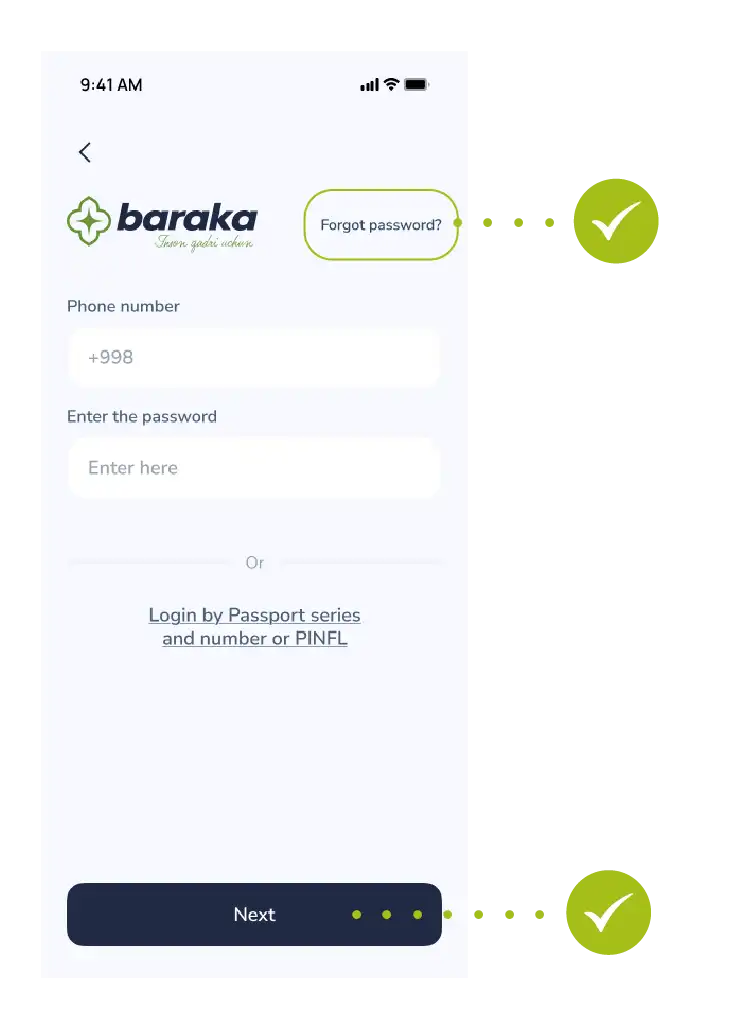
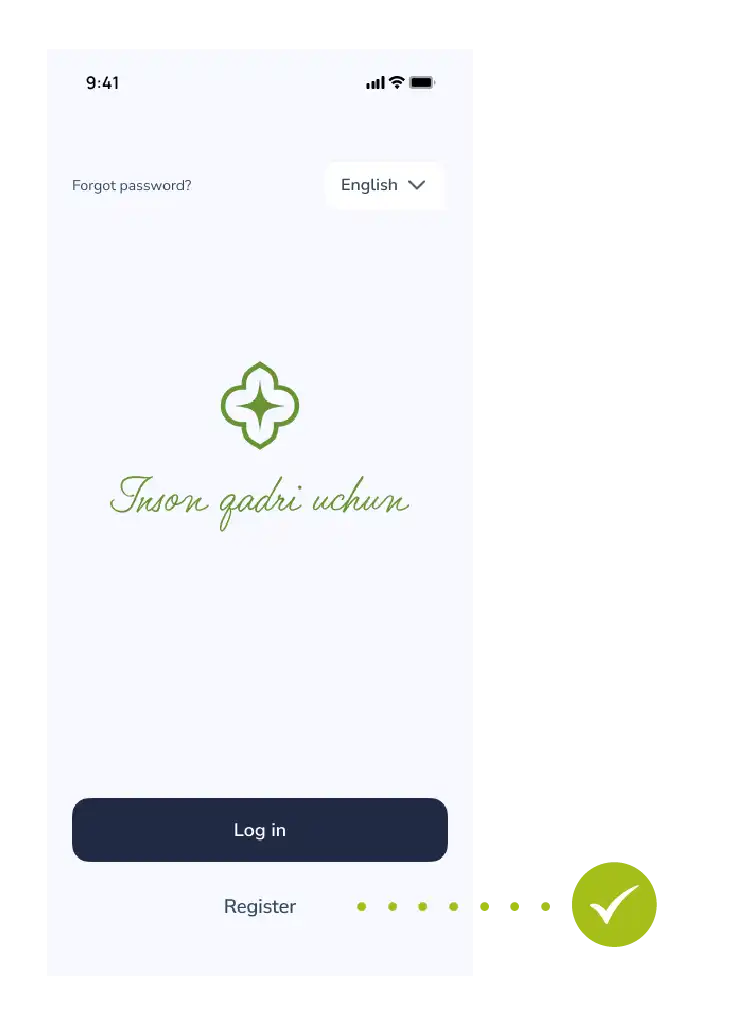
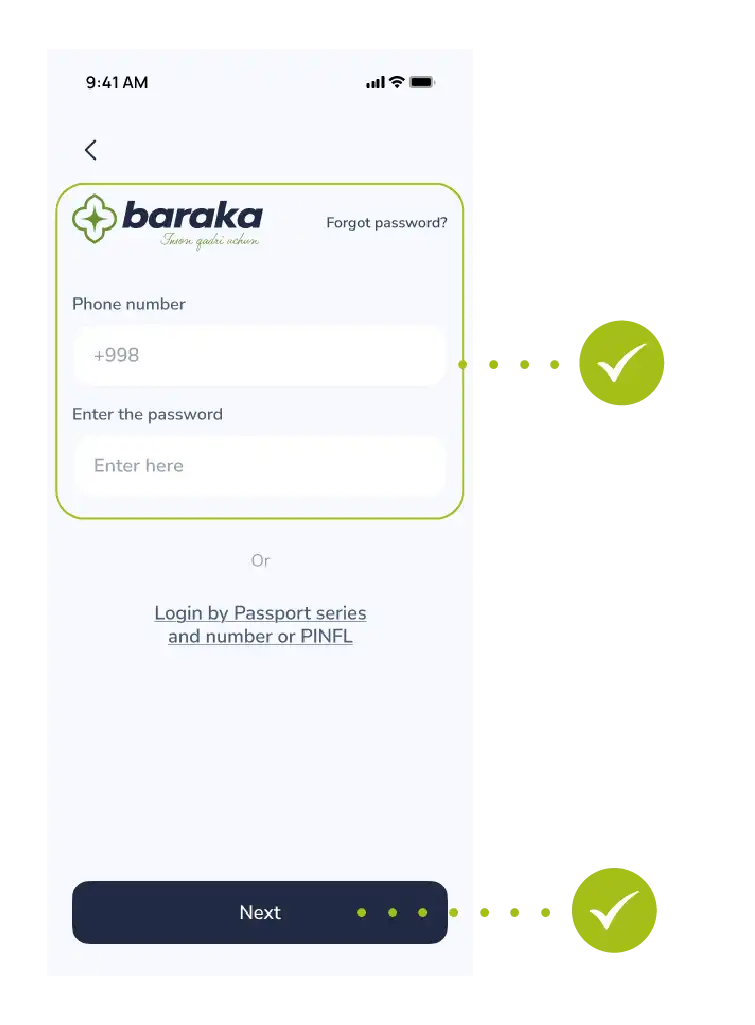
Login Tap the "Login" button on the main menu.
Request In the window that appears, usually below the login and password fields, you will see "Forgot password?". Select it.
- 2
Identity Verification
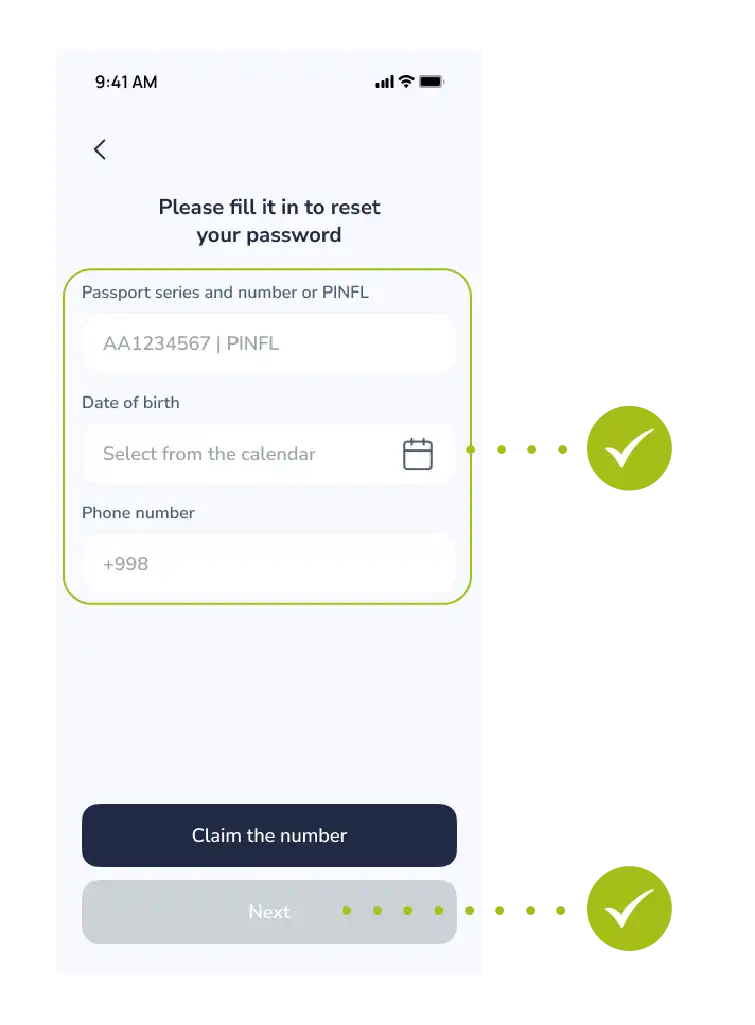
PINFL (JSHSHIR) Enter the 14-digit number at the bottom of your passport or your passport series and number.
Date of Birth Select your day, month, and year of birth from the calendar.
Contact Enter the phone number you used during registration.
This is very important because the verification code will be sent to this exact number.
Tap the "Next" button to continue.
- 3
Security and Verification
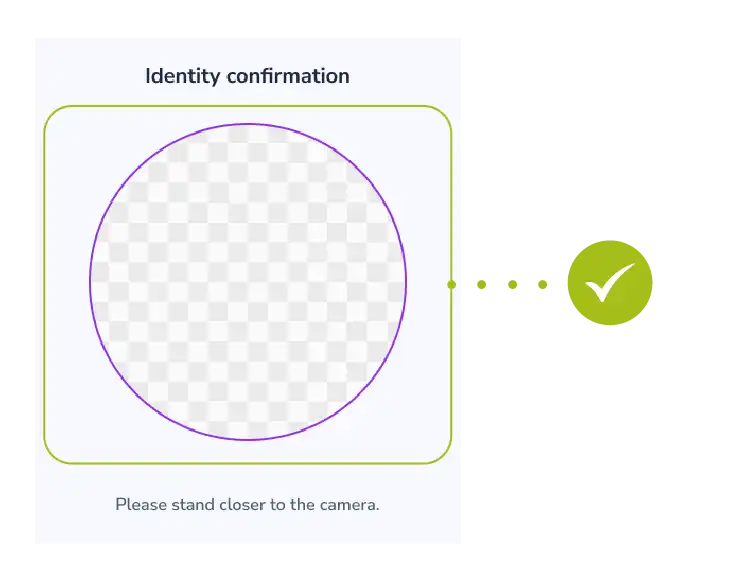
Identification Verify your identity according to the system instructions (this could be taking a photo or another method).
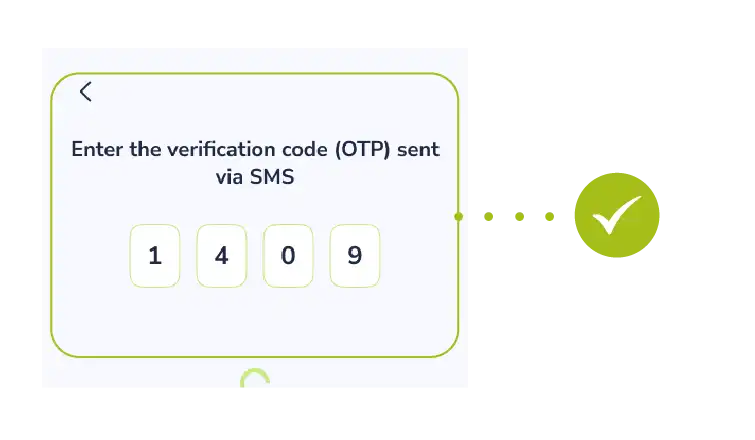
OTP code Enter the secret code (one-time password) received via SMS into the designated field.
Note: Never share the verification code with strangers, even with those who introduce themselves as bank or government officials!
- 4
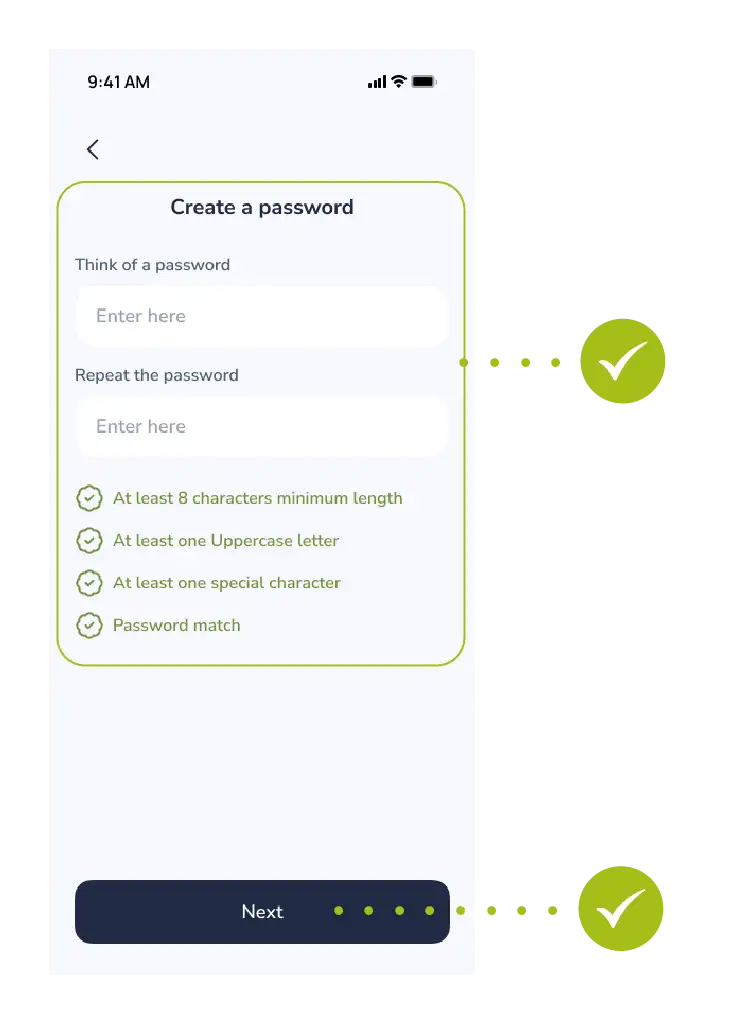
Creating a New Password
Think of a new password It is recommended that the password consists of at least 8 characters, including uppercase and lowercase letters, and numbers.
Input and Confirmation Type the new password in the first row, then re-enter the exact same password in the second row to ensure there are no mistakes.
Finalizing Tap the "Next" button.
Do you see the message "Your password has been successfully updated" on your screen? Then everything is fine!
Now you can easily log into the system using your new password.
Contact us
We are here to help.


Questions about your card
Call the bank that issued your card.
- Xalq Bank1106
- Aloqabank+998 71 230 77 77

Call from the app
In the main menu, tap “Contact” — the headphones button. Then tap “Call”.


