
Reissue Card
The process of reissuing an existing card through the Baraka mobile app is fully digitized, allowing for identity verification and the selection of a convenient branch.
At the end of the process, the service fee is paid through remote payment systems.
Detailed Sequence of Actions:
Step 1: Creating the Application
- Access the “My Cards” section in the main menu of the app.
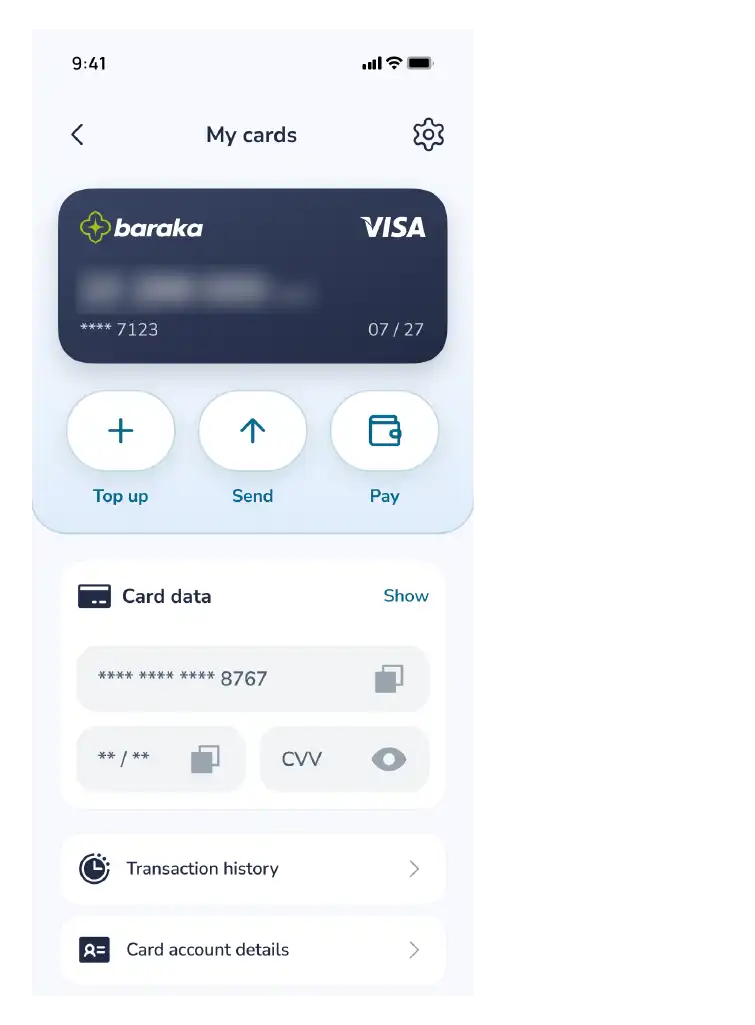
- Select your specific Baraka card from the list.
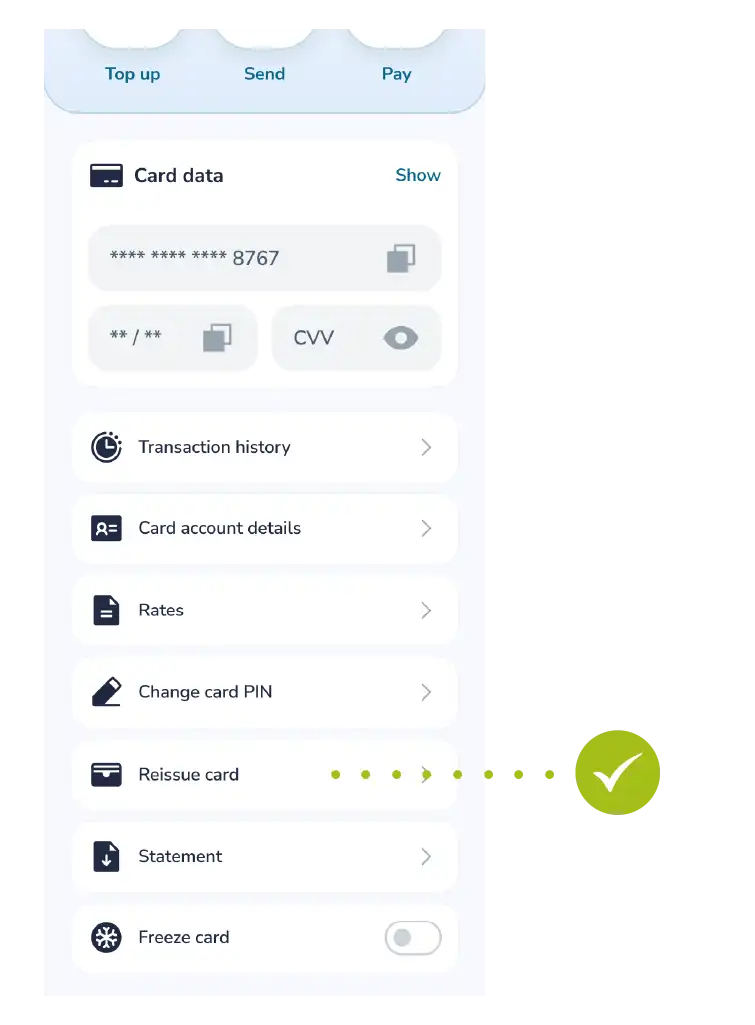
- Tap the “Reissue card” button, review the specified terms, and proceed by tapping the “Next” button.
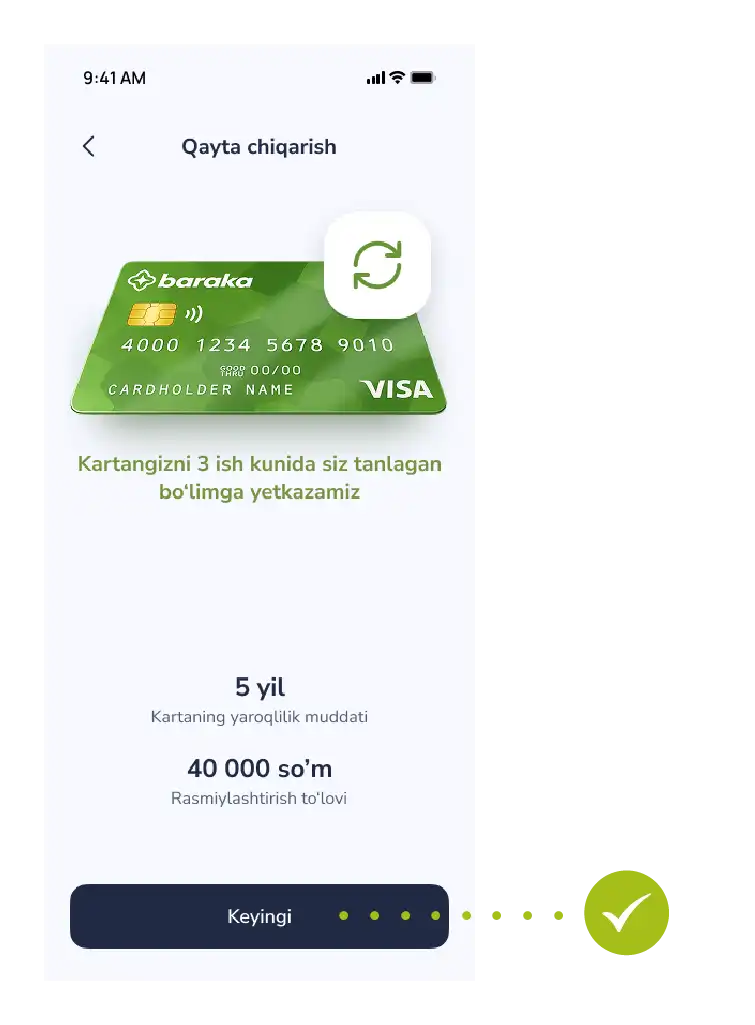
Step 2: Identity Verification (Identification)
- Complete biometric identification in accordance with security requirements.
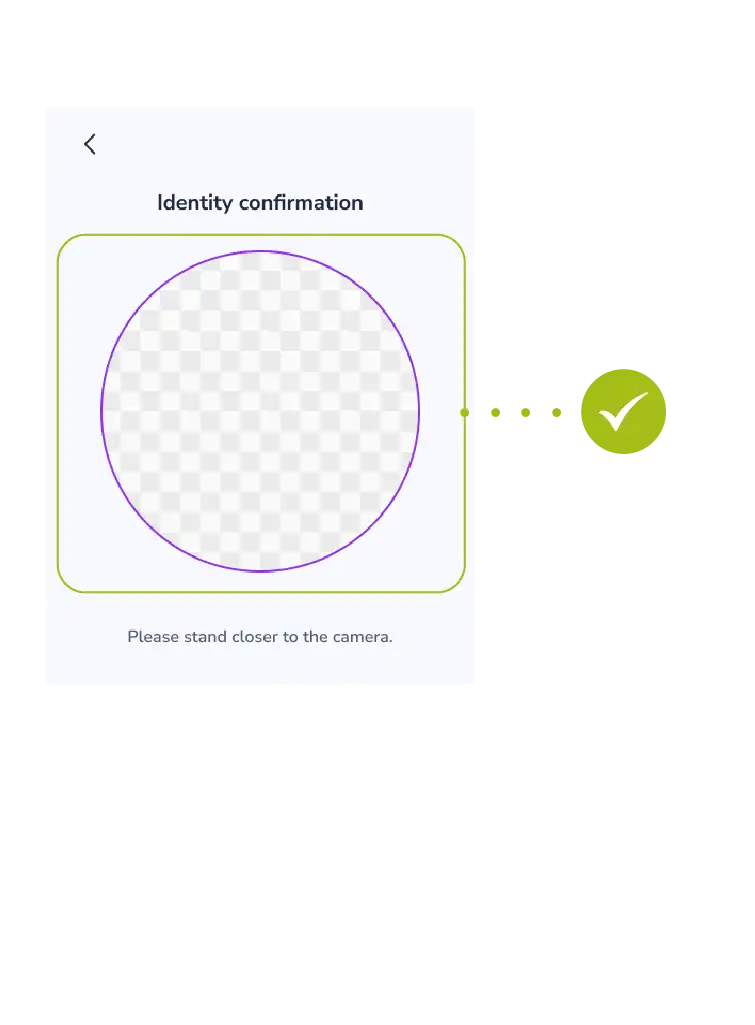
- Wait for the system to verify your identity.
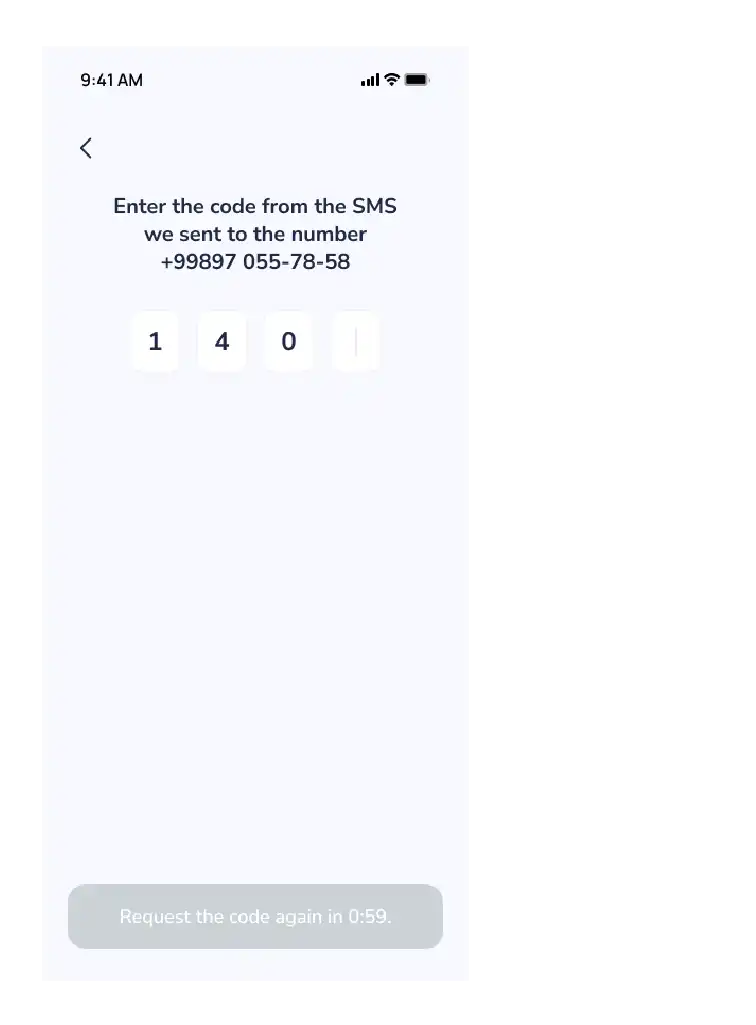
- Enter the OTP code (one-time password) sent to your phone number.
Step 3: Delivery and Verification
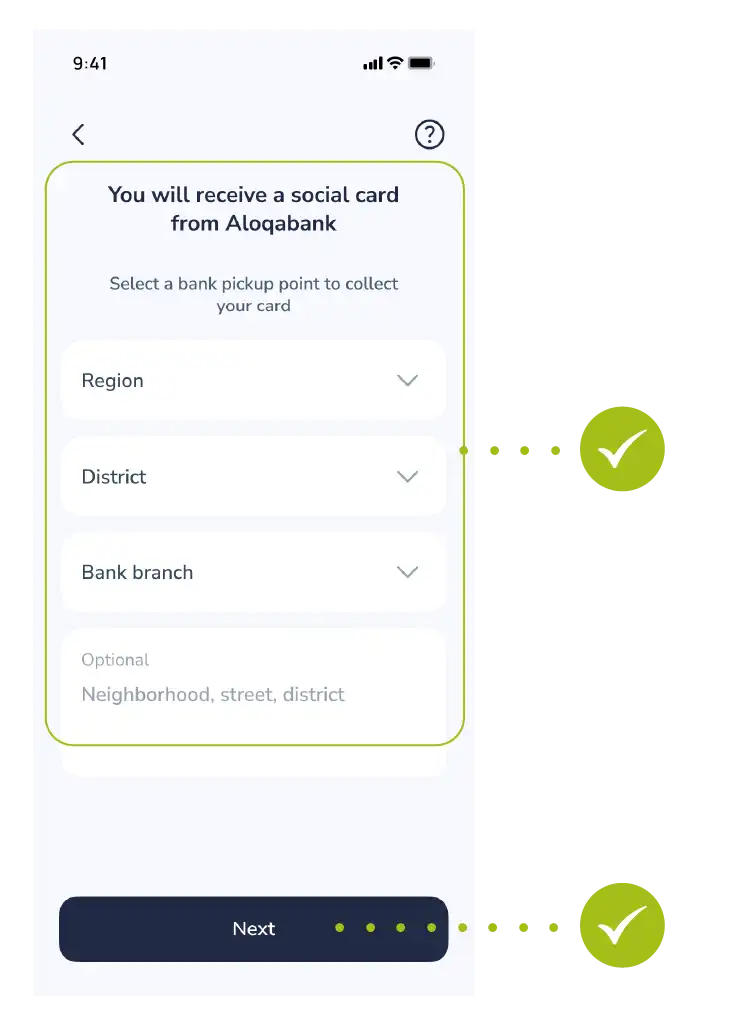
- Select the address of the nearest or most convenient bank branch to pick up your ready card.
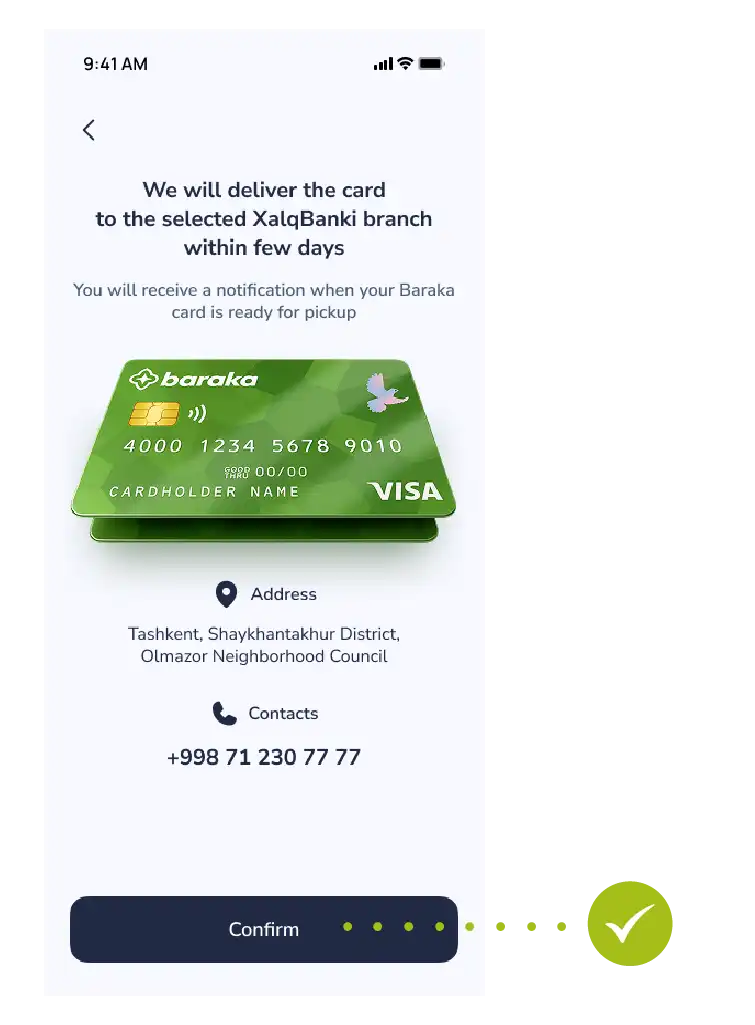
- Review all the entered information again and tap the “Confirm” button.
Step 4: Making the Payment for the Service
Once your application is accepted, a special 9-digit code will be generated by the system.
You can make the payment using one of the following methods:
- Via external apps: Using Click or Paynet apps, or at Paynet branches (by entering the 9-digit code).
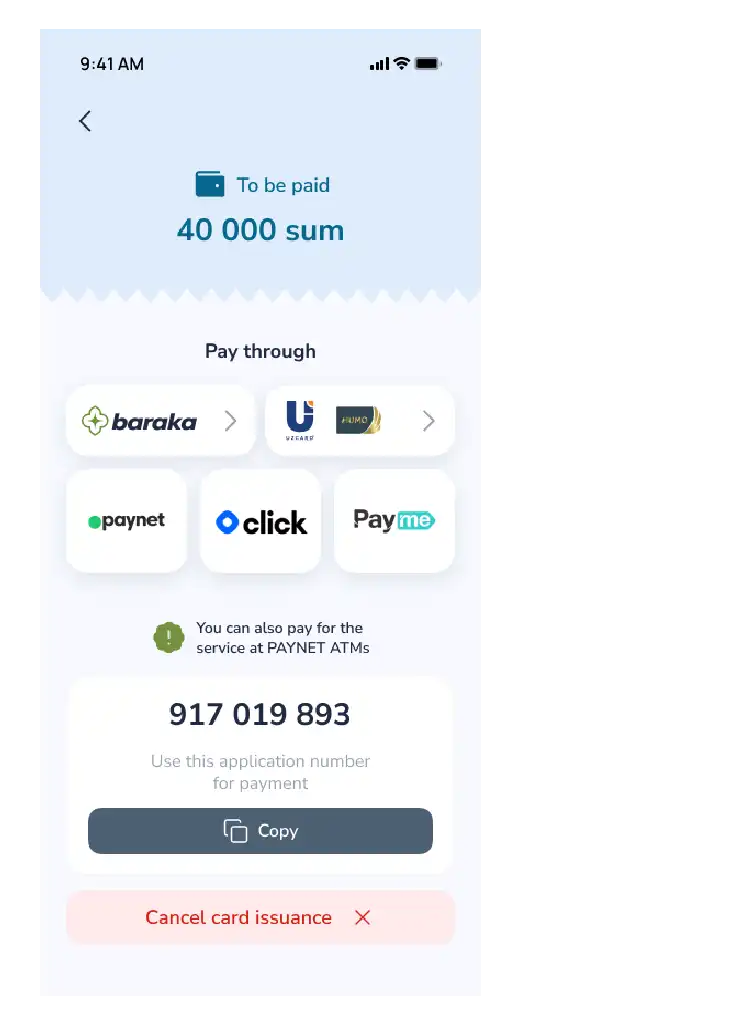
- Via the Baraka app: Go to the payment section and select “Baraka” as your payment method.
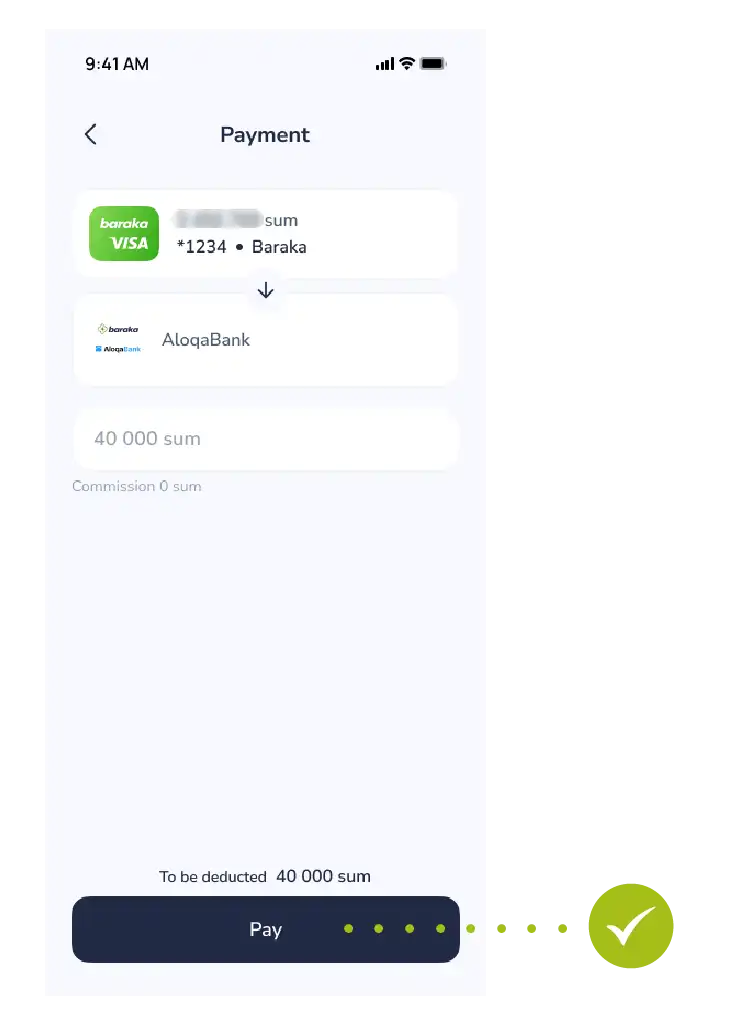
All the information will automatically be displayed on the screen.
Step 5: Make a payment
- Tap the “Pay” button.
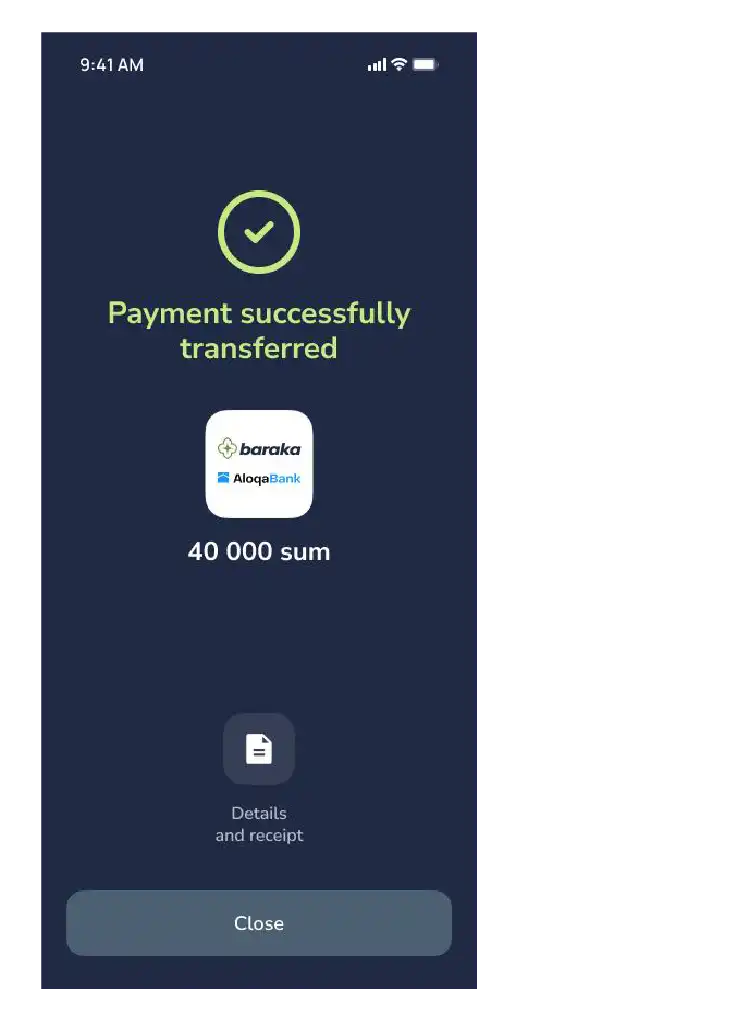
Eslatma: To‘lov muvaffaqiyatli yakunlangach, kartangiz ishlab chiqarishga yuboriladi va tanlangan filialda tayyor bo‘lganda sizga xabar beriladi.

