
Change your PIN code
This manual explains the procedure for remotely updating the security PIN of a “Baraka” card. Regularly changing or updating the PIN code is a fundamental requirement for ensuring the security of funds on the bank card. The process is protected by two-factor authentication (OTP), allowing the user to set a new code via the mobile app within minutes without visiting a bank branch.
Follow these steps to ensure card security and set a new PIN code:
Step-1: Selecting the Card
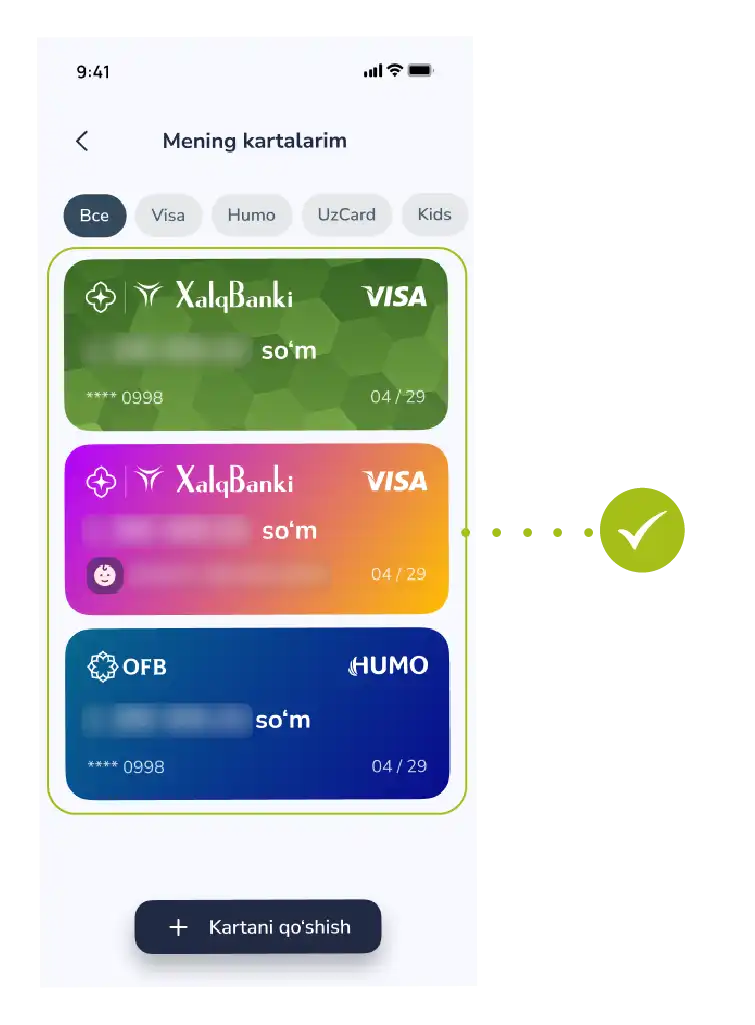
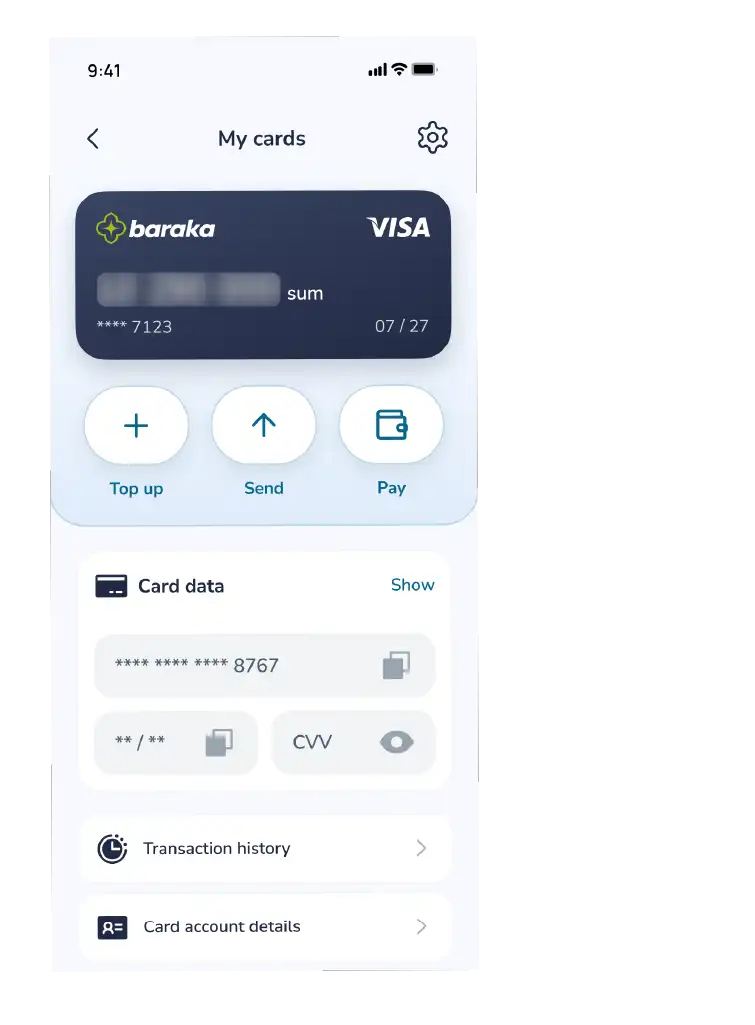
- Go to the “My Cards” section from the bottom menu of the app and select your Baraka card whose PIN code you want to change from the list.
Step-2: Activating the Service
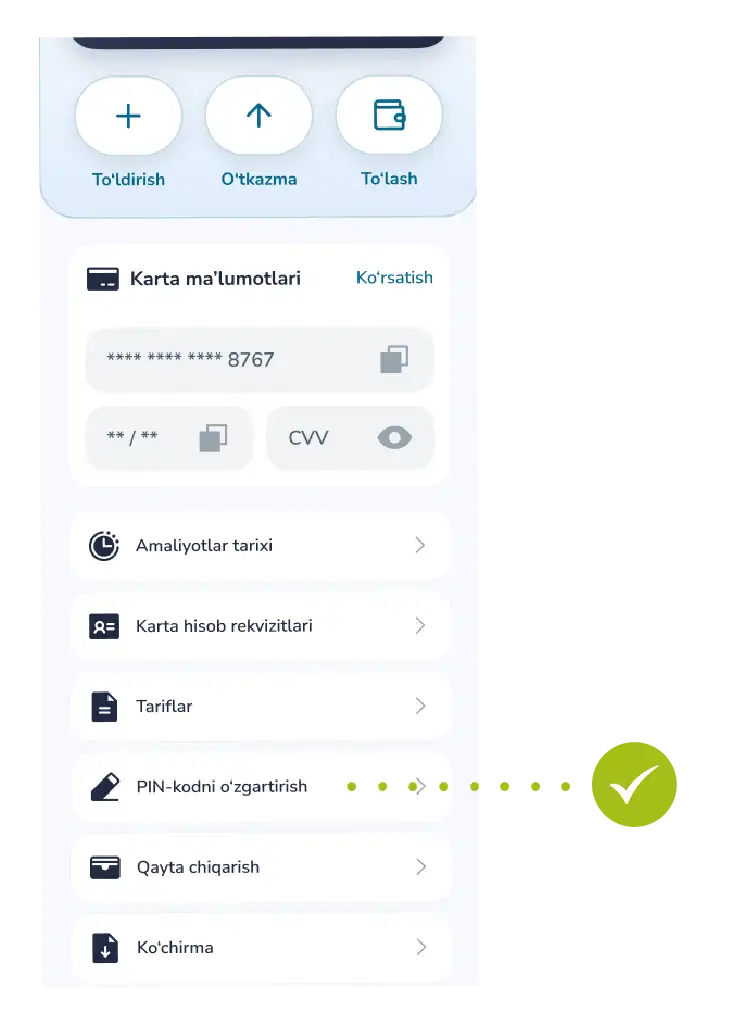
- In the card details window, tap the “Change PIN code” function.
Step-3: Verifying Security
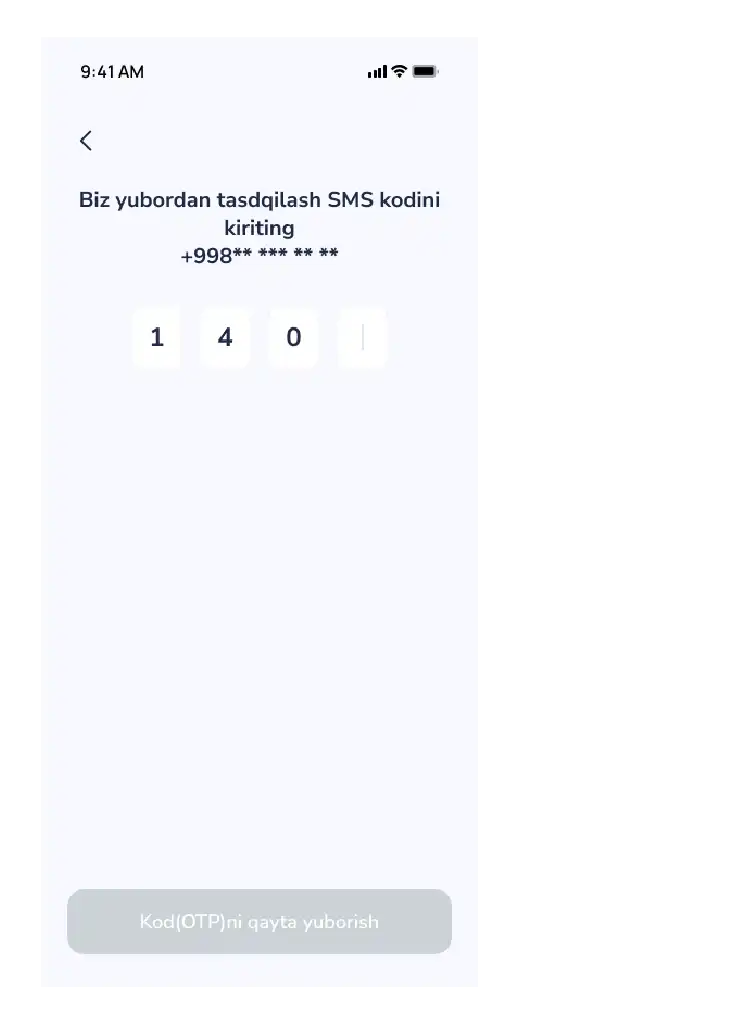
- To confirm your identity, enter the OTP code (one-time secret code) sent via SMS to your registered phone number into the designated field and confirm it.
Step-4: Creating a New Code
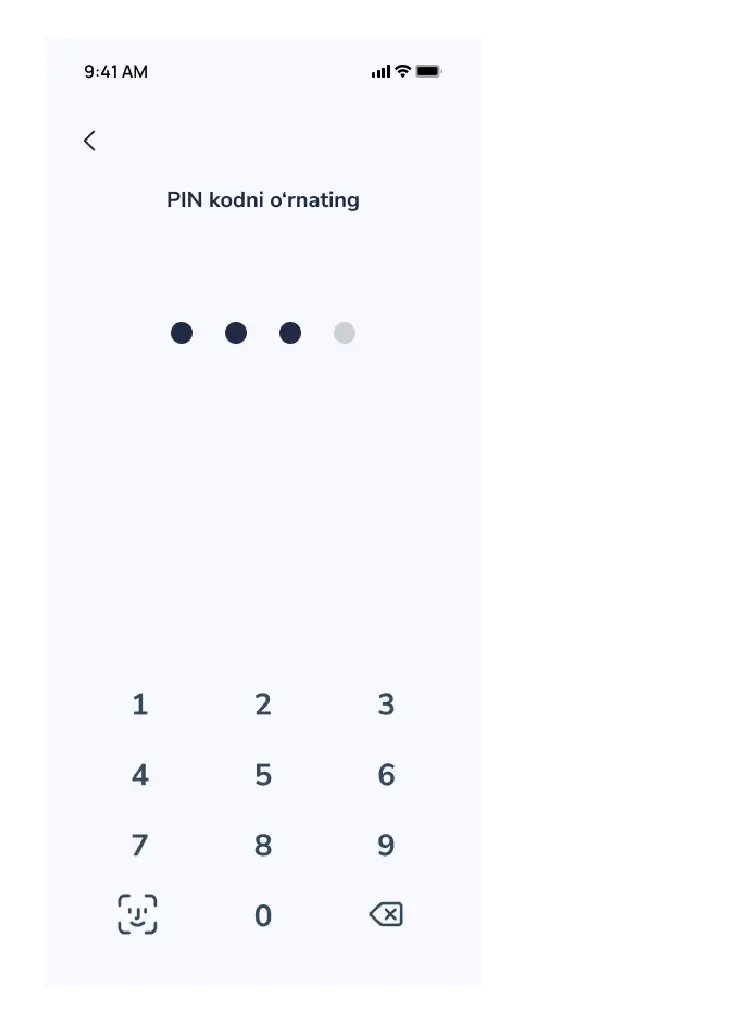
- Enter a new 4-digit PIN code that is convenient for you but difficult for strangers to guess.
- Tip: It is recommended to avoid using simple numbers such as 1111 or 1234.
- Finalizing: After entering the new code, the system will automatically update it.
Step-5: Result
- A notification saying “Success! The PIN code has been successfully changed” will appear on the screen.
Now you can use the new code at payment terminals and ATMs.

