
 Uzbek
 Русский
 Uzbek (Cyrillic)
 Karakalpak
 English
Reissue Card
The process of reissuing an existing card through the Baraka mobile app is fully digitized, allowing for identity verification and the selection of a convenient branch.
At the end of the process, the service fee is paid through remote payment systems. Detailed Sequence of Actions:
Step by step
- 1
Creating the Application
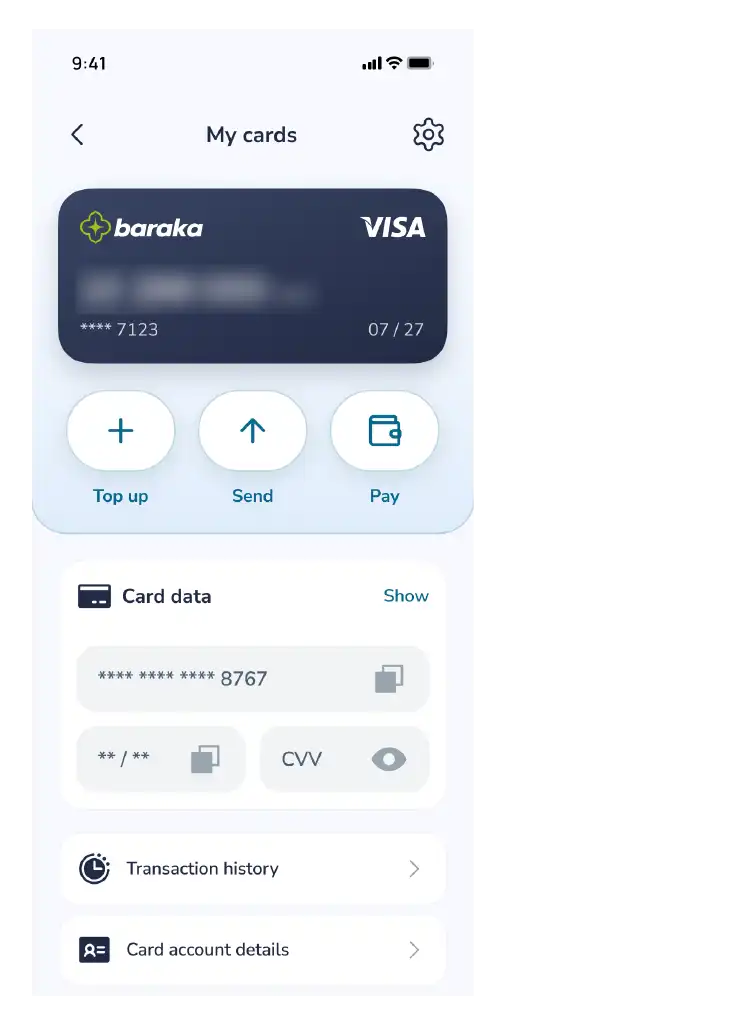
Access the "My Cards" section in the main menu of the app.
Select your specific Baraka card from the list.
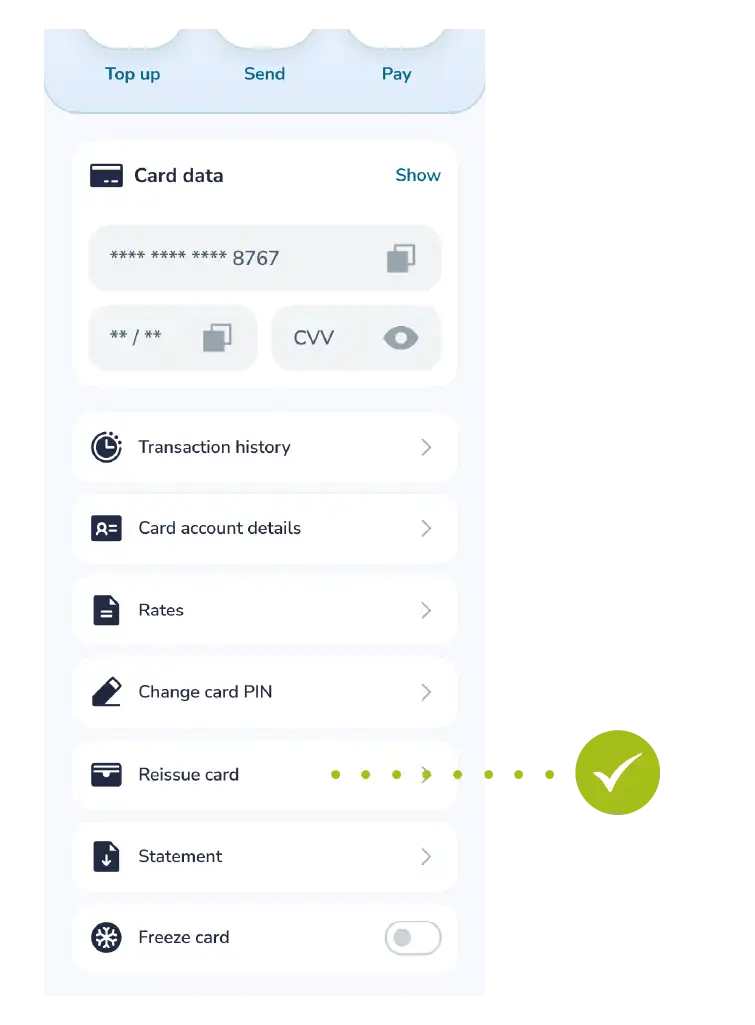
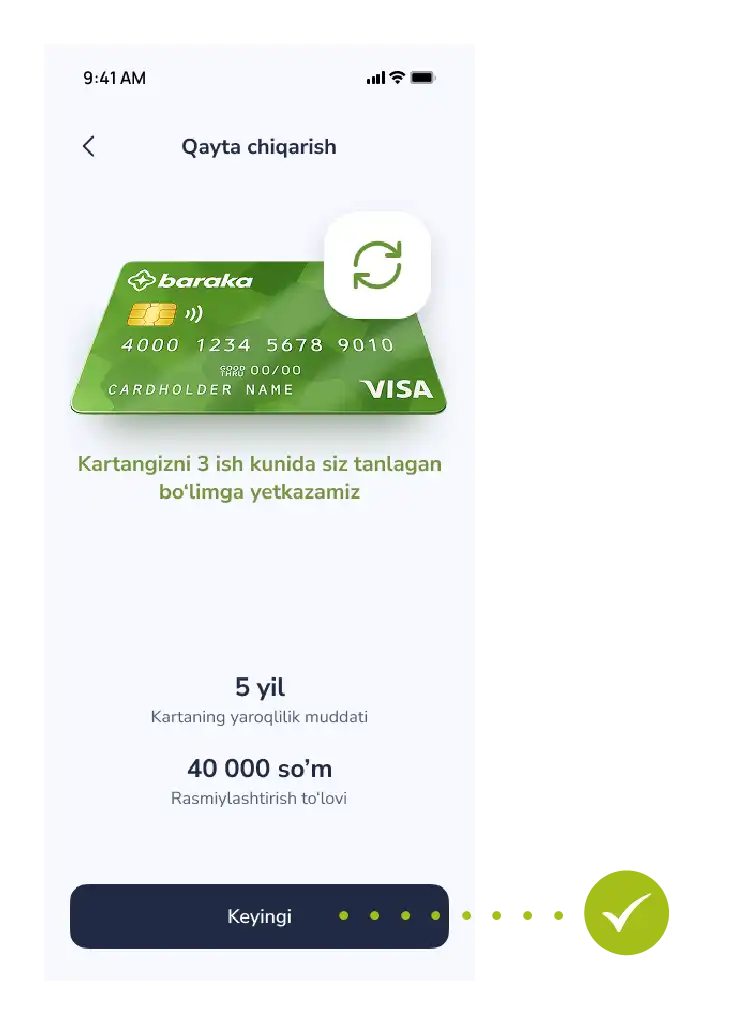
Tap the "Reissue card" button, review the specified terms, and proceed by tapping the "Next" button.
- 2
Identity Verification (Identification)
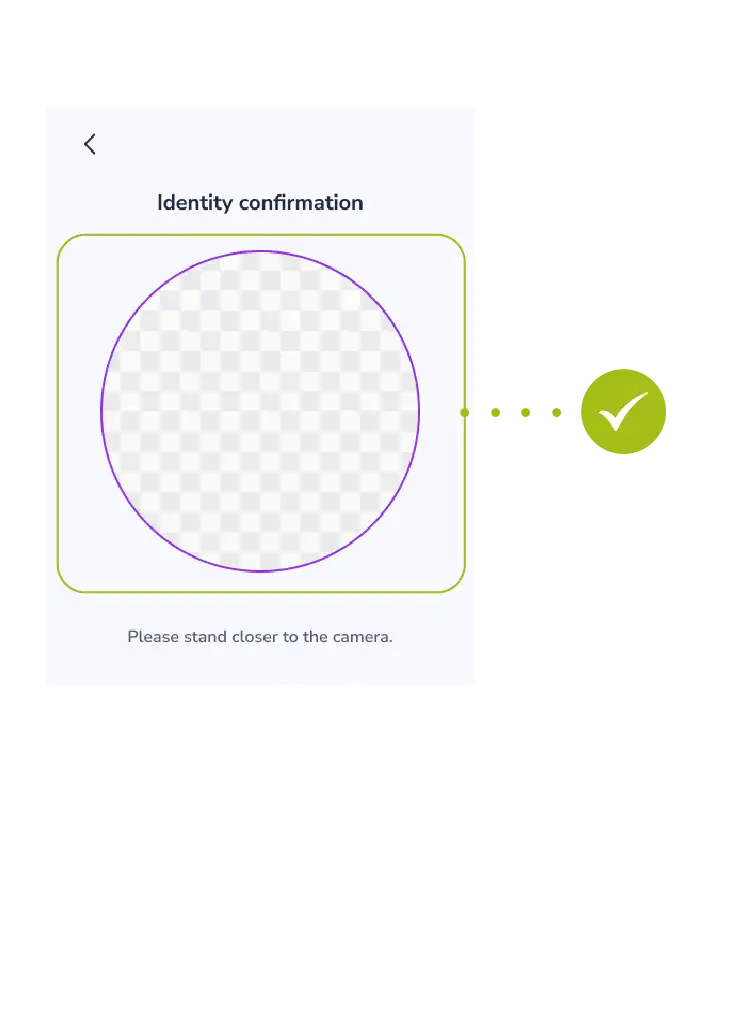
Complete biometric identification in accordance with security requirements.
Wait for the system to verify your identity.
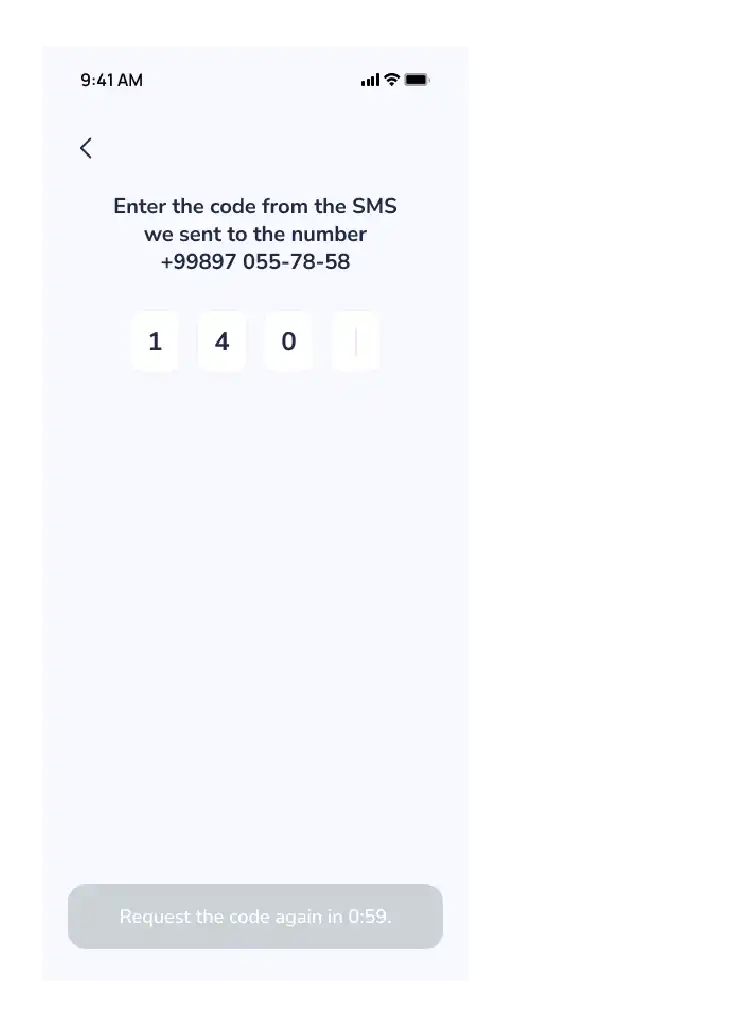
Enter the OTP code (one-time password) sent to your phone number.
- 3
Delivery and Verification
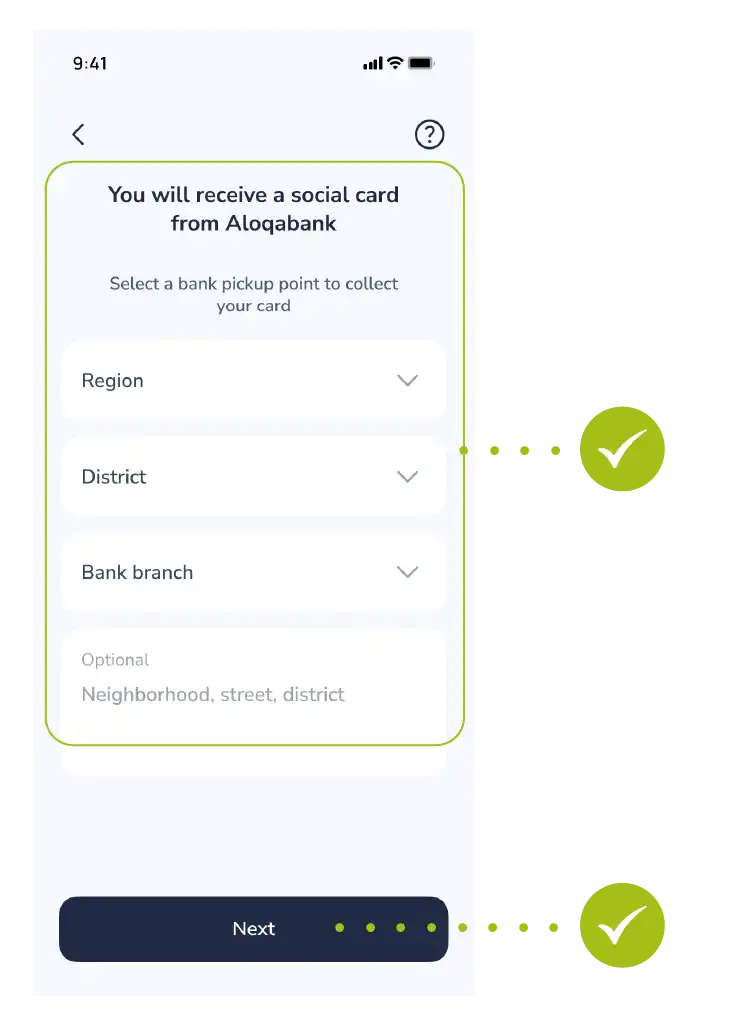
Select the address of the nearest or most convenient bank branch to pick up your ready card.
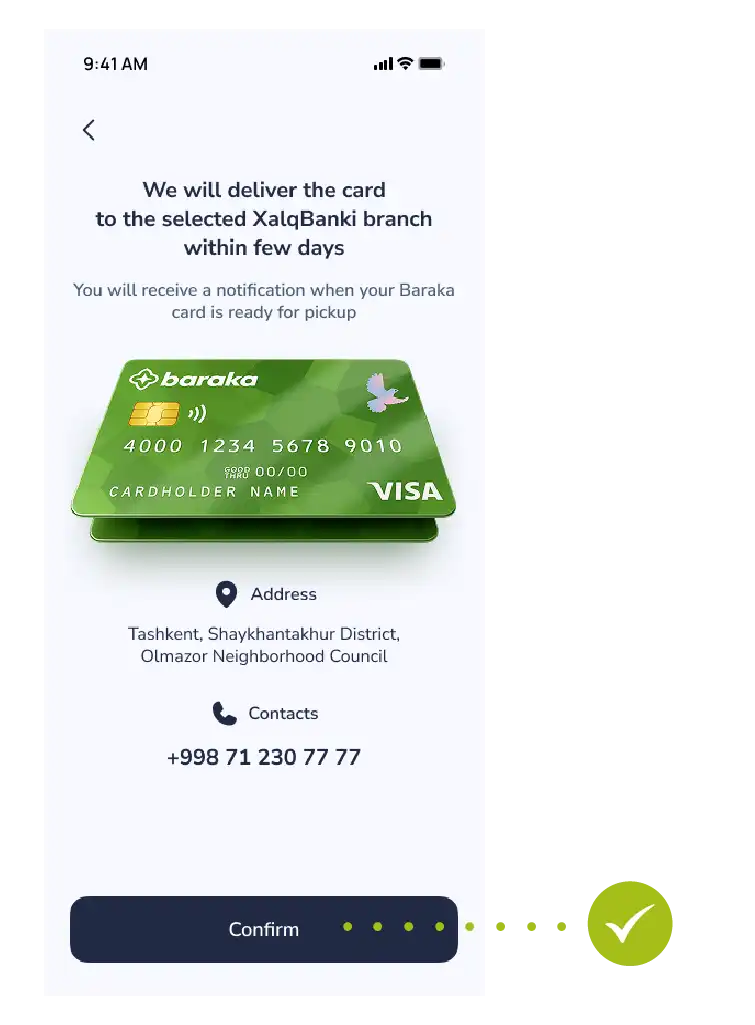
Review all the entered information again and tap the "Confirm" button.
- 4
Making the Payment for the Service
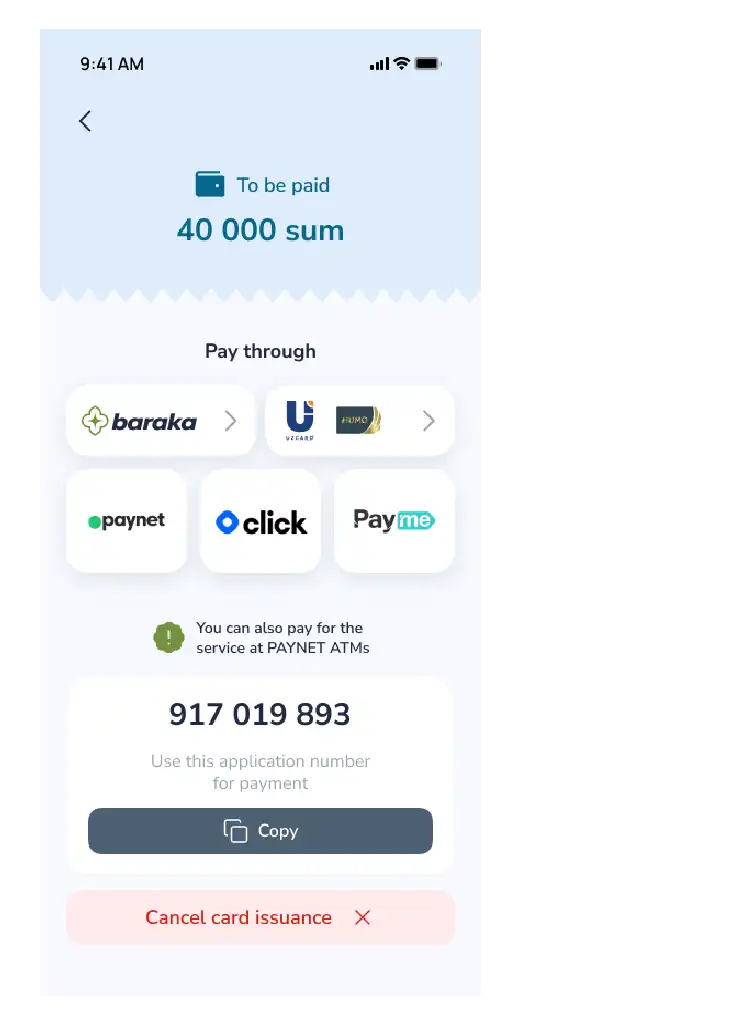
Once your application is accepted, a special 9-digit code will be generated by the system. You can make the payment using one of the following methods:
Via external apps Using Click or Paynet apps, or at Paynet branches (by entering the 9-digit code).
Via the Baraka app Go to the payment section and select "Baraka" as your payment method.
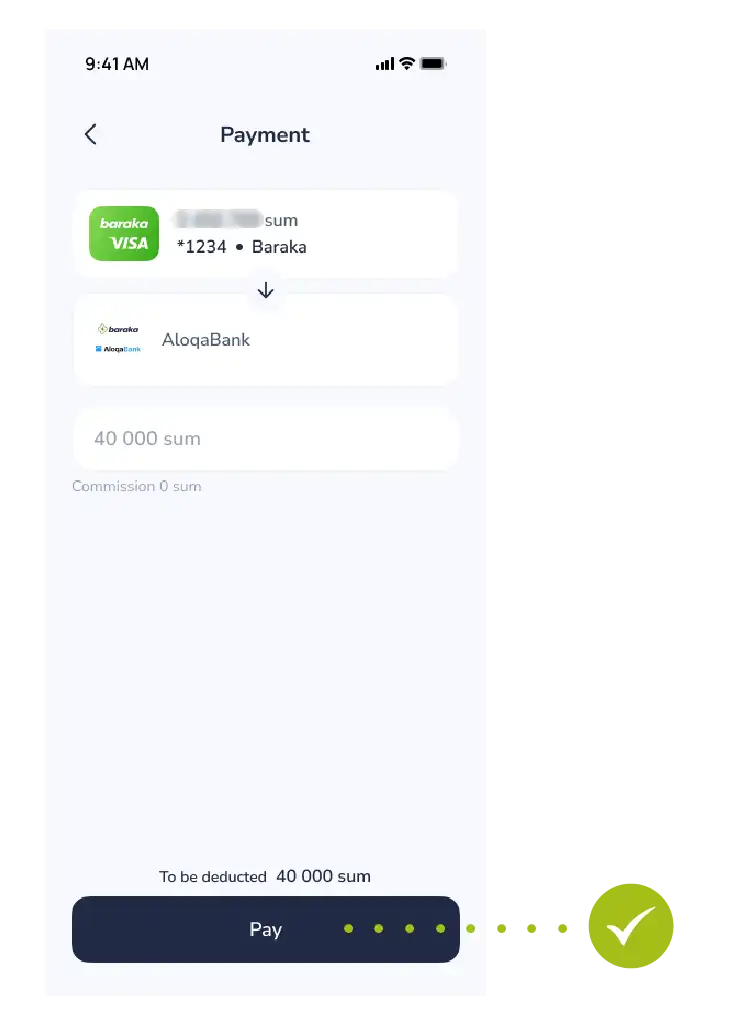
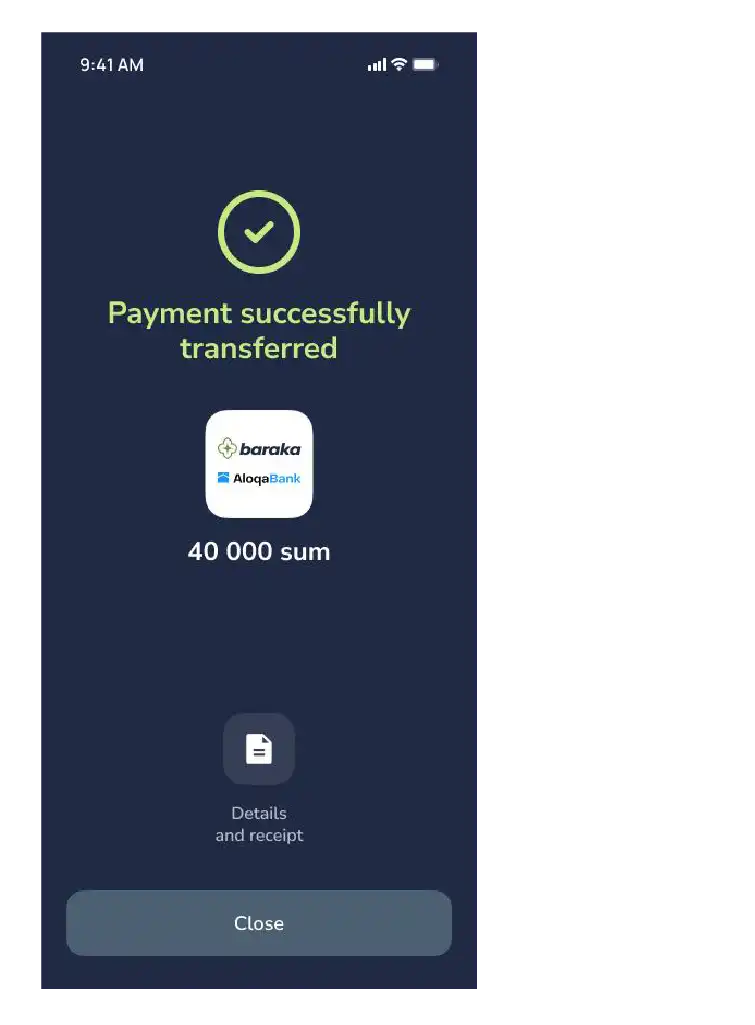
- 5
Make a payment
Tap the "Pay" button.
Contact us
We are here to help.


Questions about your card
Call the bank that issued your card.
- Xalq Bank1106
- Aloqabank+998 71 230 77 77

Call from the app
In the main menu, tap “Contact” — the headphones button. Then tap “Call”.


